Trellix offers the benefit of accessing various products in one place to enhance the customer experience through XConsole.
Note
Make sure that you are registered with Trellix and have Trellix provided credentials to access XConsole.
Follow the below steps to access products in XConsole.
Log in using the IAM URL or the XConsole URL.
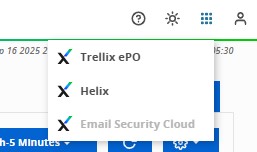
Navigate to the Apps menu on the top-right of the page.

Select the required product from the Apps menu.
Note
You can switch to a different product in the XConsole without losing any data from the current product.
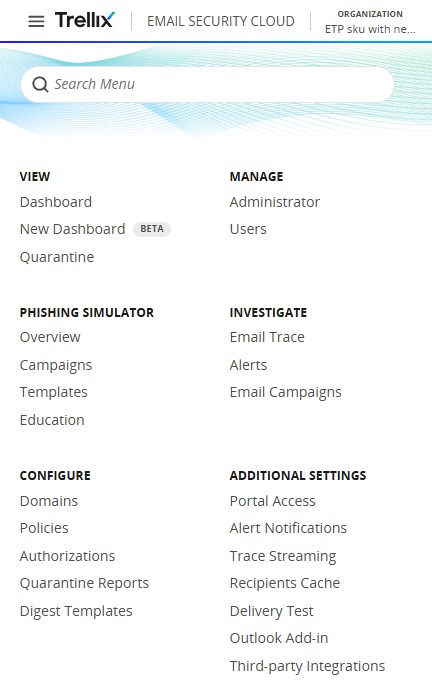
Use the menu on the top-left to access all the options available in Email Security — Cloud.