Before customizing the block and warning pages for Advanced URL Defense, make sure that the following tasks have been completed:
A template has been created.
A Trellix technical support representative has been contacted.
Block mode has been enabled using the using the
email-analysis mode blockcommand. For details about this command, refer to the Trellix CLI Reference.Advanced URL Defense has been enabled. For details, see Enabling or disabling advanced URL defense.
As an organization administrator, you can customize the block and warning pages by using Trellix-hosted pages or your own hosted pages for Advanced URL Defense. The block and warning pages can be adapted to the needs of your organization. The custom block and warning pages allow you to define the content in the message and the attributes of the pages, such as a logo and a help desk number.
Note
The custom block and warning pages can be previewed before they are deployed to the FAUDE service.
You must work with Trellix technical support to customize the block and warning pages.
Important
For more information on customizing block and warning pages, see the community article on this topic.
Trellix-hosted pages
If you want to use the Trellix-hosted pages, you must upload the following HTML template files to the production FAUDE environment using the FAUDE Landing Pages Provisioning Web Application with the assistance of Trellix technical support:
HTML file | Description |
|---|---|
susp.html | Template that you can construct for a warning page that informs the customer that a site might contain malicious content. If a URL is detected as suspicious, the customer is redirected to this page. |
mal.html | Template that you can construct for a block page that informs the customer that a site contains malicious content. If a URL is detected as malicious, the customer is redirected to this page. |
error.html | Template that you can construct to inform the customer that there was a problem processing the URL. |
The supporting files (for example, images and style sheets) that supply the text and styles for the custom block and warning pages must be hosted on your own server and must be accessible from the Internet.
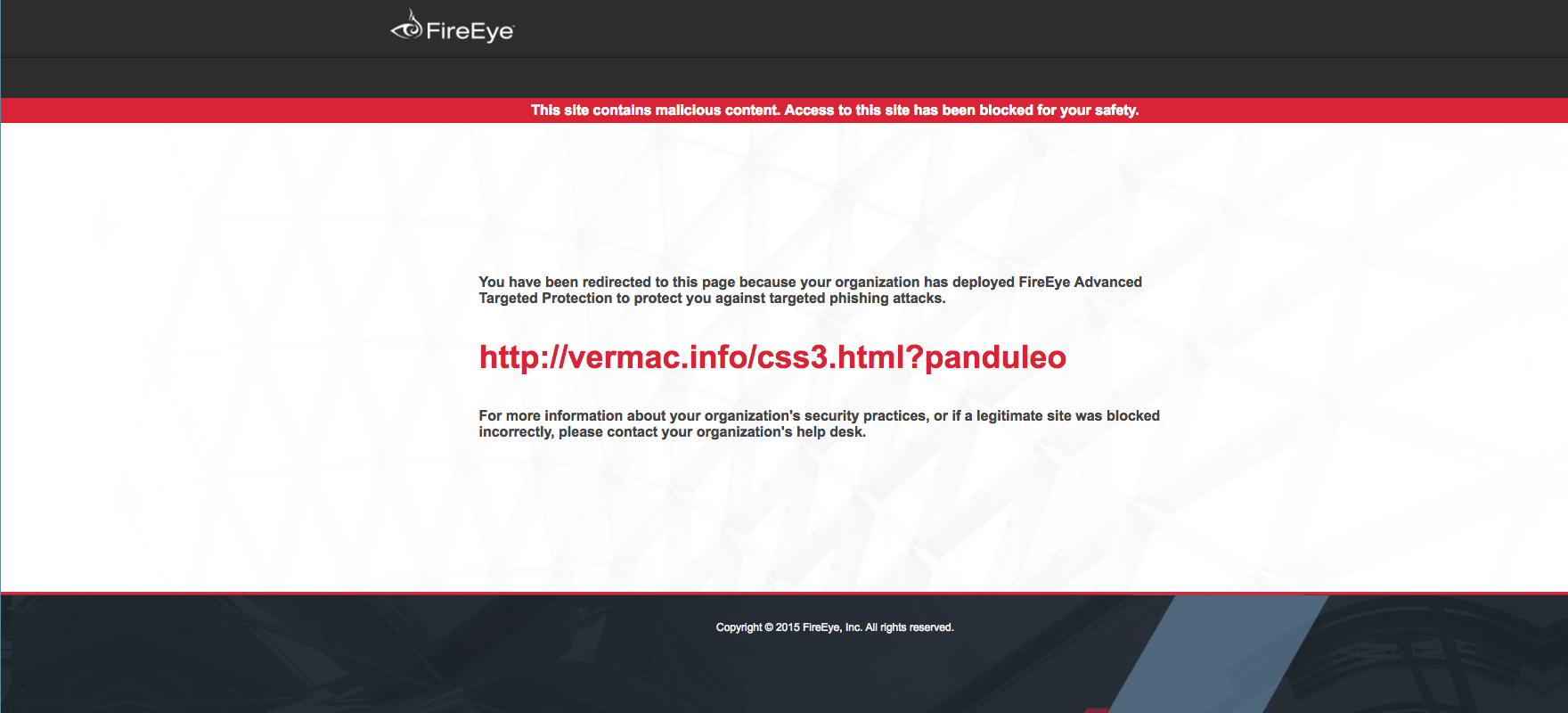
If the URL is detected as malicious, a block page similar to the following appears when the recipient accesses the rewritten URL:
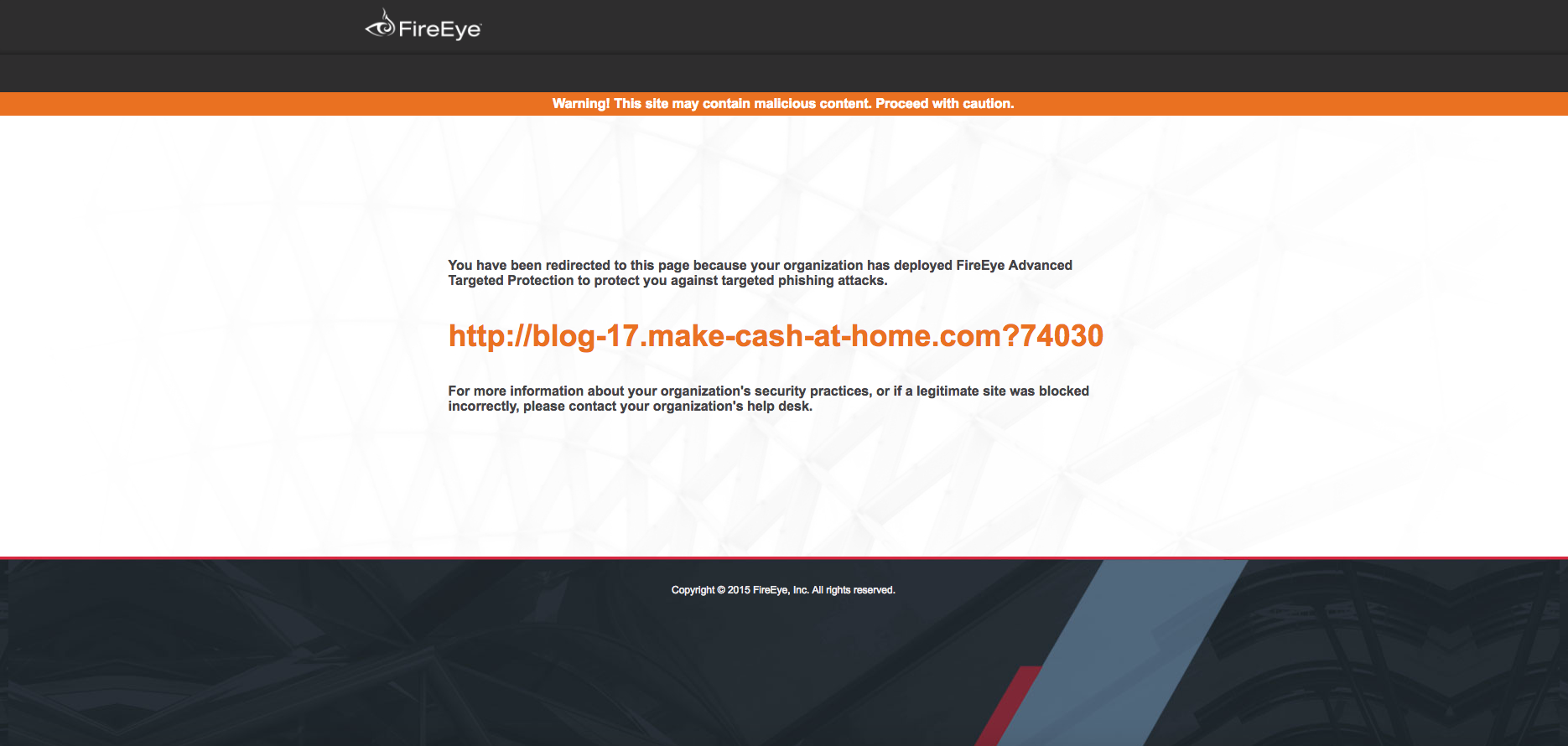
If the URL is detected as suspicious, a warning page similar to the following appears when the recipient accesses the rewritten URL:
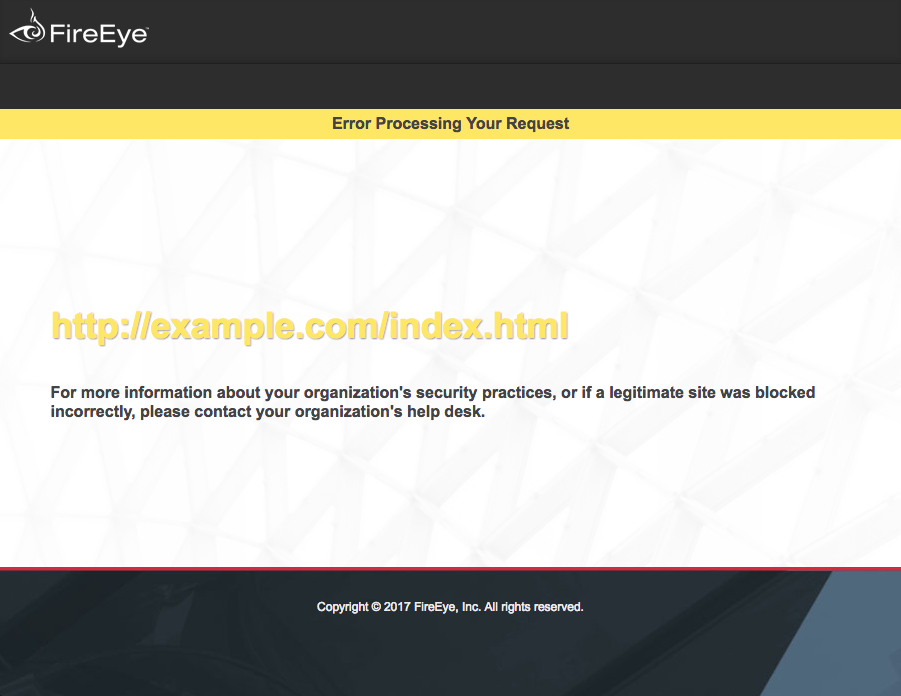
If there was a problem processing the URL, an error page similar to the following appears:
Customer-hosted pages
If you want to use your own hosted pages, you must work with Trellix technical support to upload a redirect configuration file to the production FAUDE environment. You must provide your own URL that FAUDE redirects to and choose whether to encode the original URL within the query string parameters.