Follow these steps to delete one email or all emails from the email queue.
To delete emails from the email queue:
In the Web UI, choose Search Emails > Queued Emails.
The page lists the emails that have already been received and held in the email queue.
Select the check box next to the email entry you want to delete. You can select multiple entries or all entries at one time.
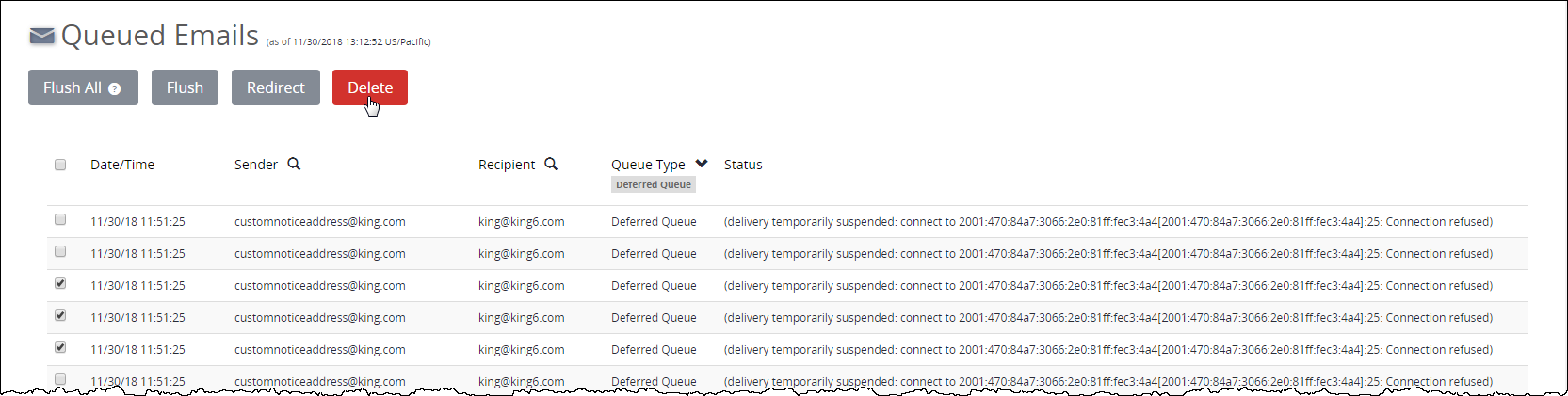
Click Delete.
Click OK.
The email is deleted from the email queue.