The following sections describe how to test Email Security — Server deployment connectivity and SMTP interface health.
Deployment testing
Use the Trellix System Information page to validate Email Security — Server deployment.
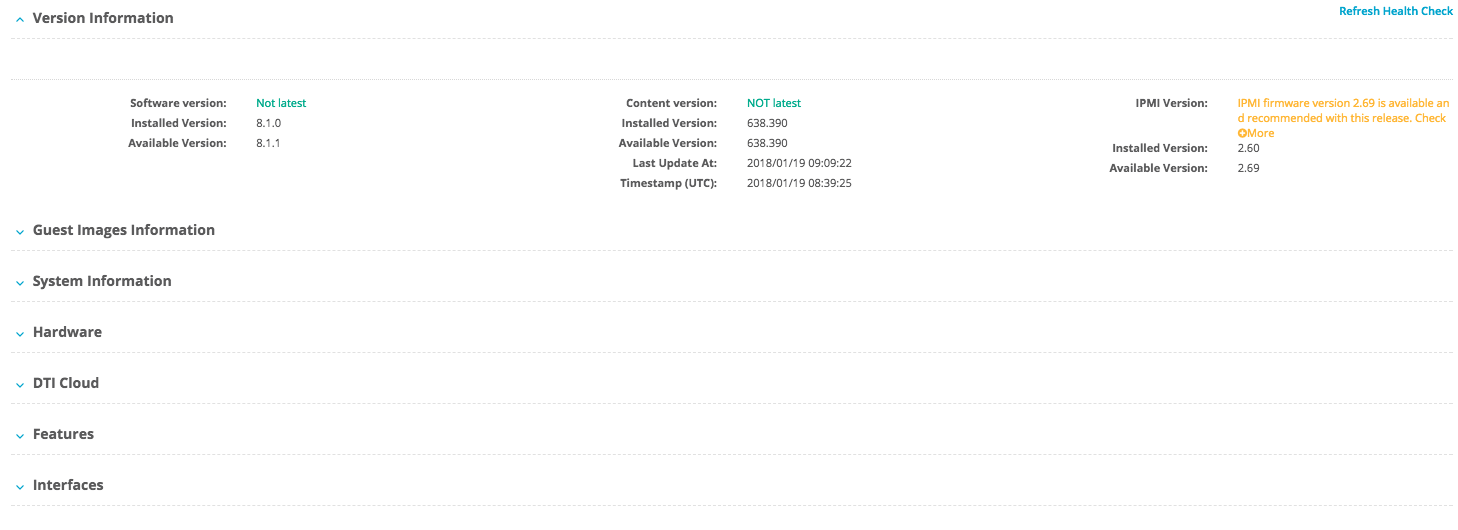

Click the About tab.
If the Trellix System Information page is not displayed, click Health Check at the top right of the page.
Locate the Interfaces section at the bottom of the page.
Make sure the configured interfaces are "up" and receiving and transmitting packets.
Click Initiate Recheck to refresh the interface assessment.
SMTP interface testing
This procedure tests the health of the SMTP interface.
Log in to another system in the network.
In a Telnet application (such as PuTTY), enter the IP address for the Email Security — Server pether3 interface and port 25.
If it connects, the Email Security — Server appliance is live and "listening" for SMTP traffic.