The Details pane shows detailed information about the alert selected in the Alerts pane.
Note
The type of information displayed in the Details pane varies depending on the type of warning or error being reported.
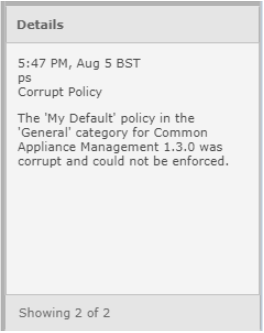
The alerts counters are displayed at the bottom of the Details pane. These counters show the number of alerts relating to the currently selected appliance or group of appliances. Also shown is the total number of currently listed alerts for all managed appliances.