Follow these steps to download a generated report from the appliance to your local desktop using the Web UI.
Note
You can download a generated report only using the Web UI.
Prerequisites
Log in to the Web UI of the appliance as Administrator or Operator
You have generated one or more reports on the appliance.
To download a generated report:
In the Web UI, choose Reports > Static Reports.
The page lists the reports that have already been generated.
In the Generated Reports table, locate the report that you want to download to your desktop.
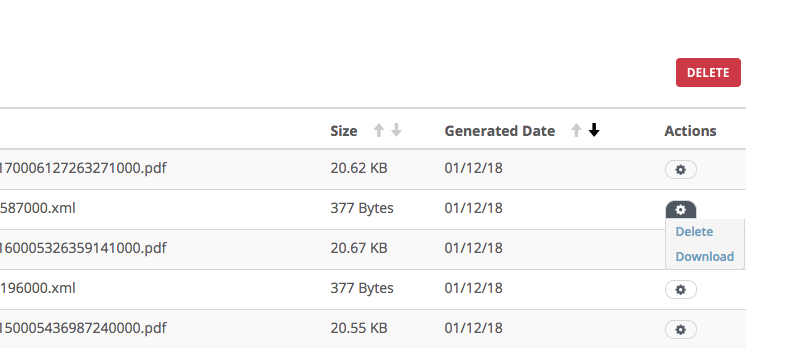
In the Action column, click the download icon.