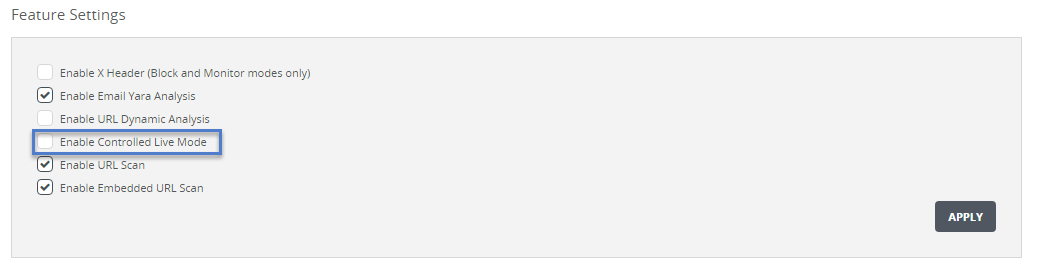
To enable or disable controlled live mode, use the "Feature Settings" area of the Settings > Email Policy page.
Prerequisites
End-to-end connectivity has been verified between the live ether1 or ether2 interface and the Internet, as described in Configuring controlled live mode on .
You are logged in to the appliance Web UI as an Admin or Operator.
To enable or disable controlled live mode:
Go to the Settings > Email Policy page.
In the "Feature Settings" area of the page, select or clear the Enable Controlled Live Mode check box to enable or disable the feature.
Click Apply.