An alarm notification appears if problems are found with the detection engine processes when you log in to the Web UI.
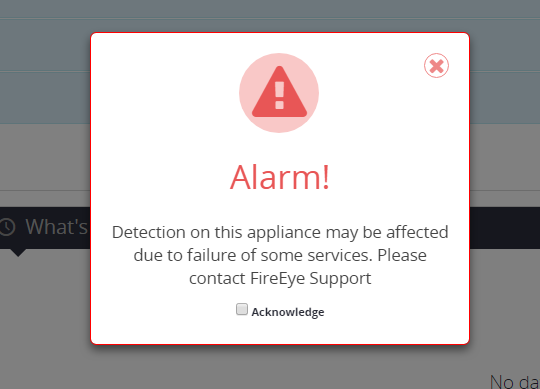
To cancel the alarm notification, click the red X. The alarm is no longer displayed on the page. The alarm continues to appear when you go to other pages in the Web UI.
To acknowledge the alarm notification during this session, select the Acknowledge check box. The following confirmation message appears:
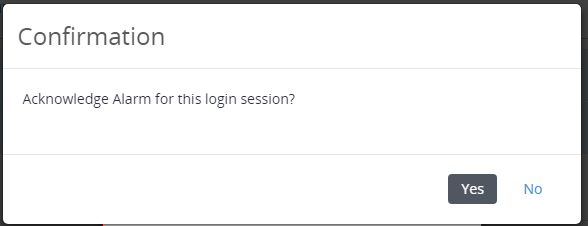
Click Yes to acknowledge the alarm notification. The alarm is no longer displayed on any page in the Web UI. The alarm will appear the next time you log in.
To override false positives, the alarm notification can be disabled globally through a security content update.