The eAlerts page of the Email Security - Server appliance lists the results, grouped by alert, of the matched URLs that are embedded in PDF and Microsoft Office files, and that are sent back to the URL analysis service for further analysis.
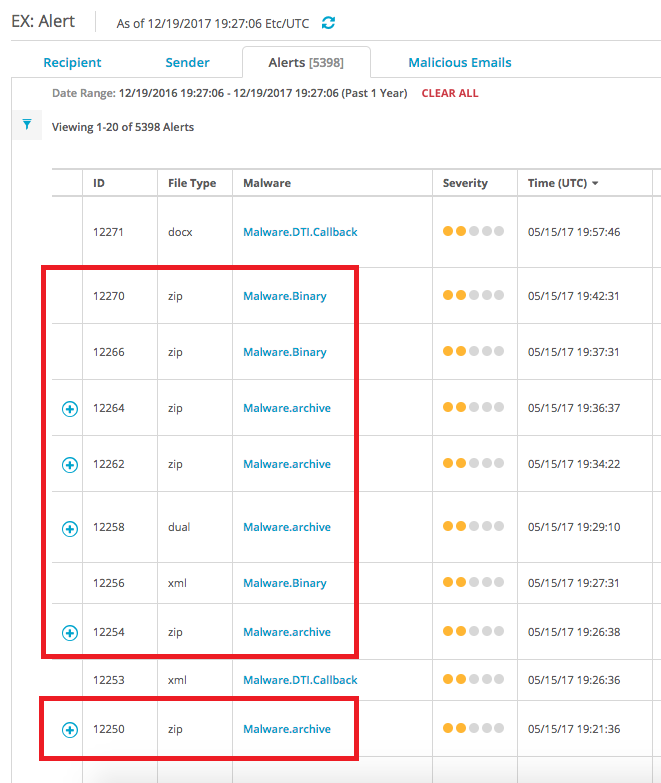
To view the malicious embedded URL details grouped by alert:
In the Web UI, click the eAlerts tab.
Click Alerts.
To expand an entry for multiple alerts, click the blue circled plus sign in the first column to show the individual alerts in the grouping.
To expand the row to show detailed results, click the ID number in the ID column or the type name in the File Type column.