The results of URL Dynamic Analysis (DUA) are categorized and tracked by the URL and file types in the Alerts page. You can drill-down to view the matched URLs grouped by recipient or sender. These URLs point to malicious objects such as ZIP, EXE, PDF, DOC, and DOCX file types.
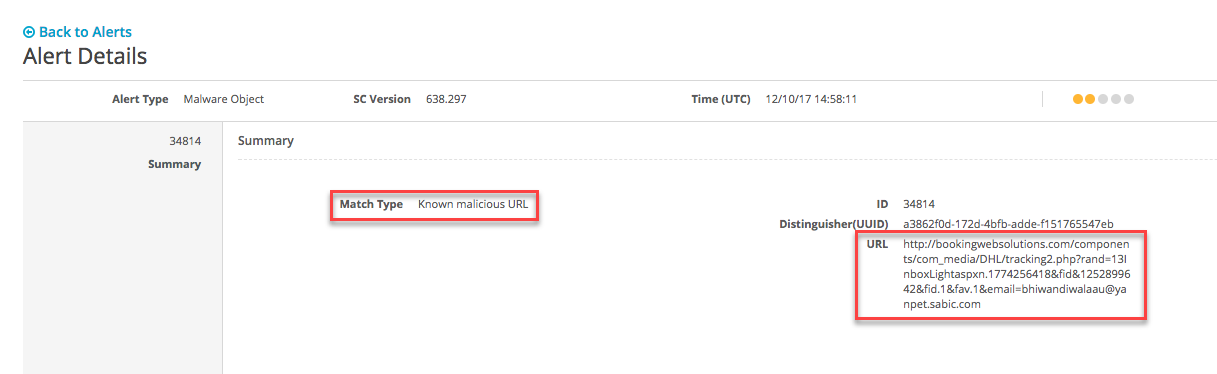
The following example shows the alert details for a malicious URL alert.
Prerequisites
Administrator, Monitor, or Analyst access to the Email Security - Server appliance.
In the Web UI, click the eAlerts tab.
Click Recipient.
Click the total number of URLs link in the URL column.
To expand an entry to view alert details, click the ID number in the ID column.
In the Web UI, click the eAlerts tab.
Click Sender.
Click the total number of URLs link in the URL column.
To expand an entry to view alert details, click the ID number in the ID column.