You can view OS Change event distribution grouped by event type.
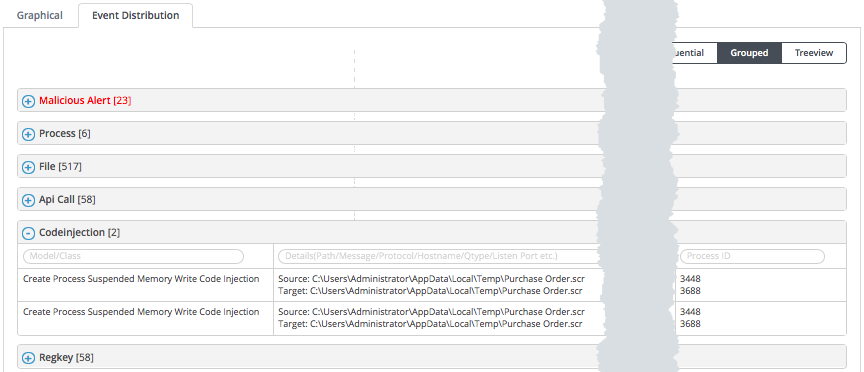
To view the OS Change event distribution grouped by event type:
In the Web UI, click eAlerts > eAlerts > Alerts.
Select an alert. For alerts that have embedded file attachments, expand the alert and select the alert for the embedded malicious file.
Note
Duplicate alerts for files with embedded file attachments cannot be expanded.
In the left navigation bar, click the OS Change Details link for a guest image.
Click the Event Distribution tab.
At the upper right of the Event Distribution tab, select Grouped.
Expand OS change event sections of the list by clicking the blue plus sign.
To filter within an expanded section, enter text in the search fields above the table columns.