You can view the malicious attachments in the Alerts tab grouped by alert.
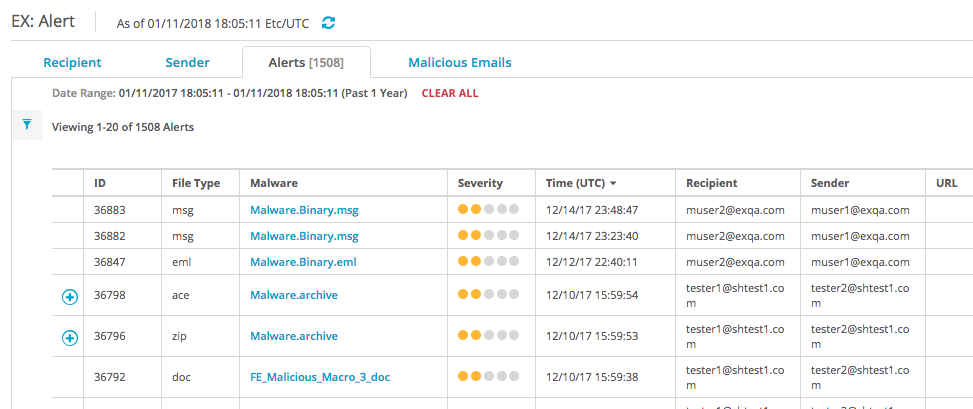
To view the malicious attachment details grouped by alert:
In the Web UI, select eAlerts > Alerts.
To view details of an email, click the ID number in the ID column or the type name in the File Type column.