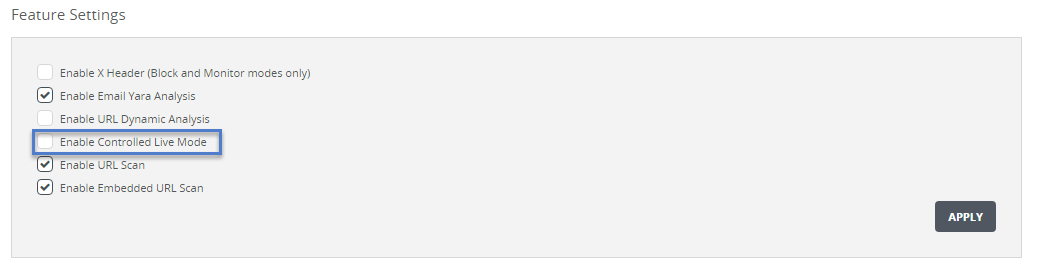
To use the Web UI to view the status of controlled live mode, use the "Feature Settings" area of the Settings > Email Policy page.
Prerequisites
You are logged in to the Email Security - Server appliance Web UI as an Admin or Operator.
To view the status of controlled live mode:
Go to the Settings > Email Policy page.
In the "Feature Settings" area of the page, find the Enable Controlled Live Mode check box. The check box is selected or clear to indicate whether the feature is enabled or disabled.