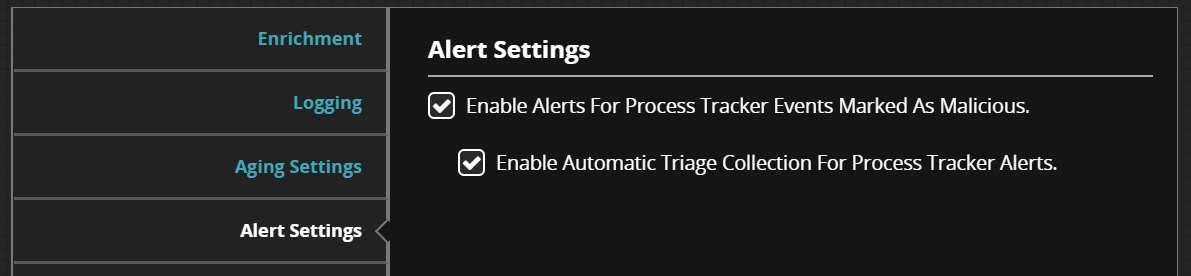
The Process Tracker module can generate alerts for events related to a malicious process execution. Enrichment must be enabled in Enabling Enrichment. If you want to receive alerts from the Process Tracker for malicious process execution events, complete the following steps:
Log in to the Endpoint Security Web UI as an administrator.
From the Modules menu, select Endpoint Module Administration.
On the Modules page, click Installed Modules.
Locate the Process Tracker module in the list.
In the Actions column, click the gear icon, and select Configure.
In the Process Tracker Plugin Settings, click Alert Settings.
Select Enable Alerts For Process Tracker Events Marked As Malicious.