Tag devices (systems) to escalate or exclude them from a compliance check.
In the Protection Workspace, select a device from the tag, tree, or list view.
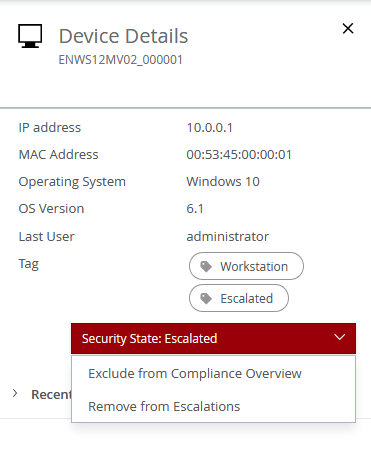
The Device Details pane opens.
From the Security State drop-down list, select a tag.
Click Confirm.