Log in to the Endpoint Security Server Web UI as an administrator.
From the Admin menu, select Policies.
On the Policies page, locate the appropriate policy for the agent on which you want to disable Process Tracker.
In the Actions column, click the gear icon and click Edit Policy.
In the Edit Policy page, in the Configurations panel, click Process Tracker.
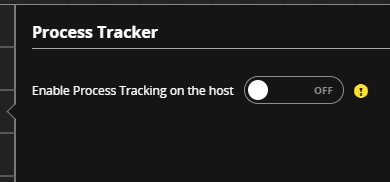
In the details panel, move the Enable Process Tracker on the host toggle to Off.
On the Edit Policy page, click Save.
: