Configure transcript disk usage limits for HX server logs
Configure the transcript disk usage limit parameter to control disk space utilization on the Endpoint Security (HX) server. Controlling transcript disk space prevents remediation activity logs from consuming excess disk space and impacting server performance.
Log in to the Trellix HX console as an administrator.
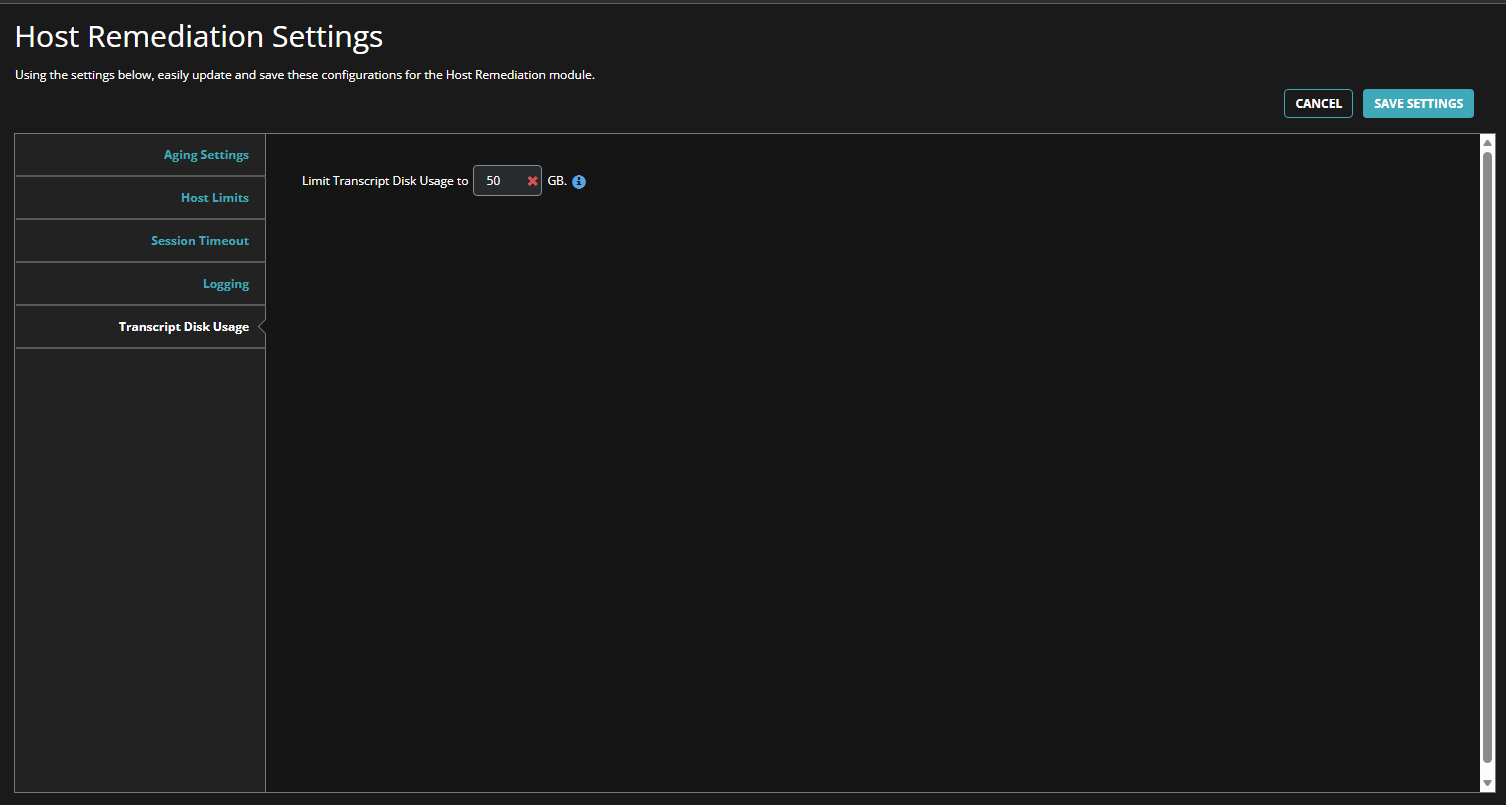
Navigate to Menu > Policy > Host Remediation
Locate the Limit Transcript Disk Usage field.
Enter a value that provides sufficient storage for remediation logs and troubleshooting data.
Select Save.
Transcript disk usage parameters
The following table describes the configuration parameter for remediation log storage on the Trellix HX server.
Option | Description |
|---|---|
Limit Transcript Disk Usage | Specifies the maximum disk space limit for remediation session transcripts and logs. Setting this value too low might overwrite older transcripts or result in insufficient logging during remediation activities. |