The Process Tracker module home pages allows administrators to view events generated by the Process Tracker module. This section describes how to use the Process Tracker user interface on the Endpoint Security Web UI.
To access the Process Tracker home page:
Log in to the Endpoint Security Server Web UI.
From the Modules menu, select Process Tracker.
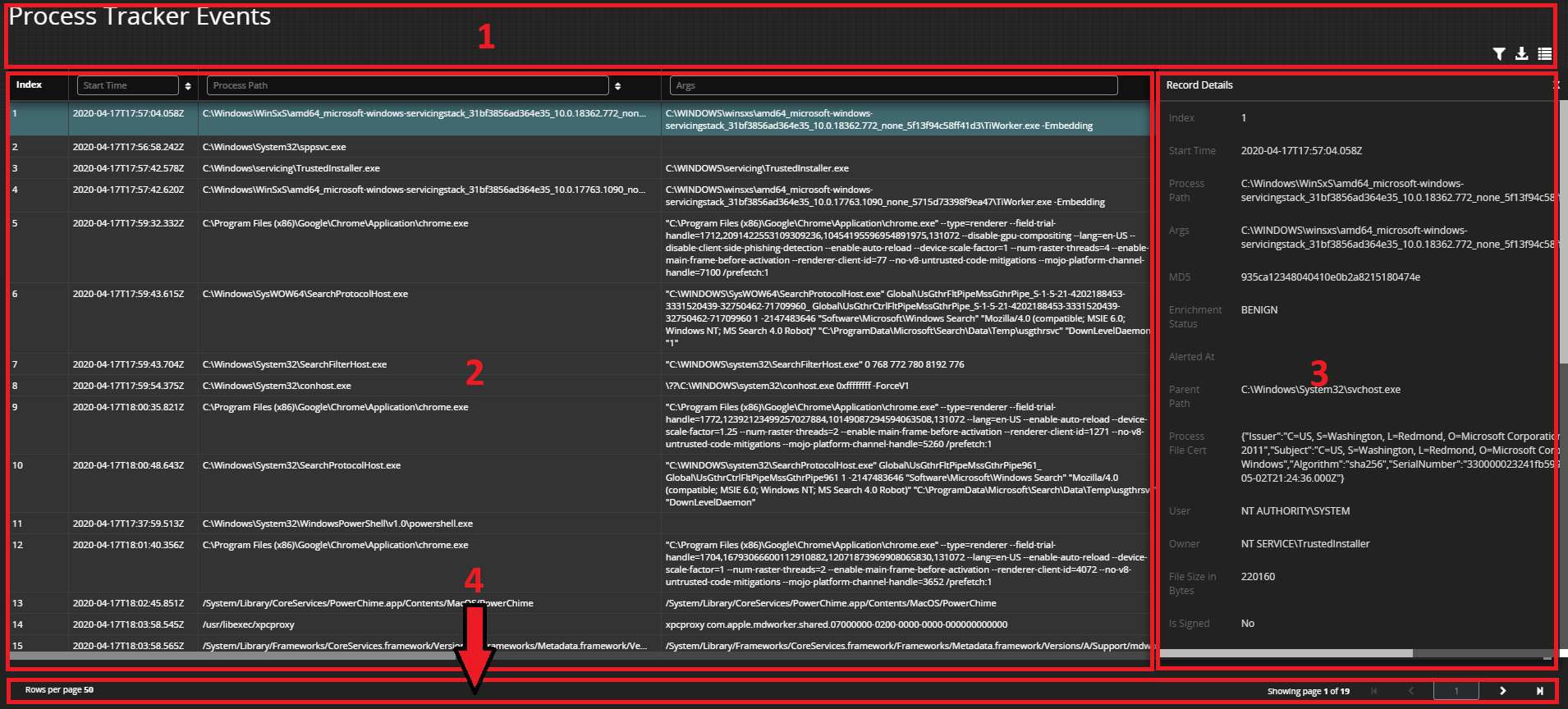
The Process Tracker page has four functional areas:
Banner & tools area
Grid area
Record details area
Navigation area