You can use the Endpoint Security (HX) Web UI or the API to restore quarantined files from the quarantine area to their original locations on the endpoint. You cannot use the CLI to restore them.
To restore quarantined files using the Web UI:
Select Hosts at the top of the Endpoint Security (HX) Web UI page.
Verify that the Hosts with Alerts tab is selected.
In the grid, click the expand icon () next to the host for which you want alert detail information.
The host alert details page appears. Detailed information about the alerts is shown on the Alerts tab on this page. Information about quarantined files is shown on the Quarantines tab on this page.
Select the Quarantines tab.The quarantined files are listed.
Click the button associated with the file you want to restore and select Restore File.
 ) next to the host for which you want alert detail information.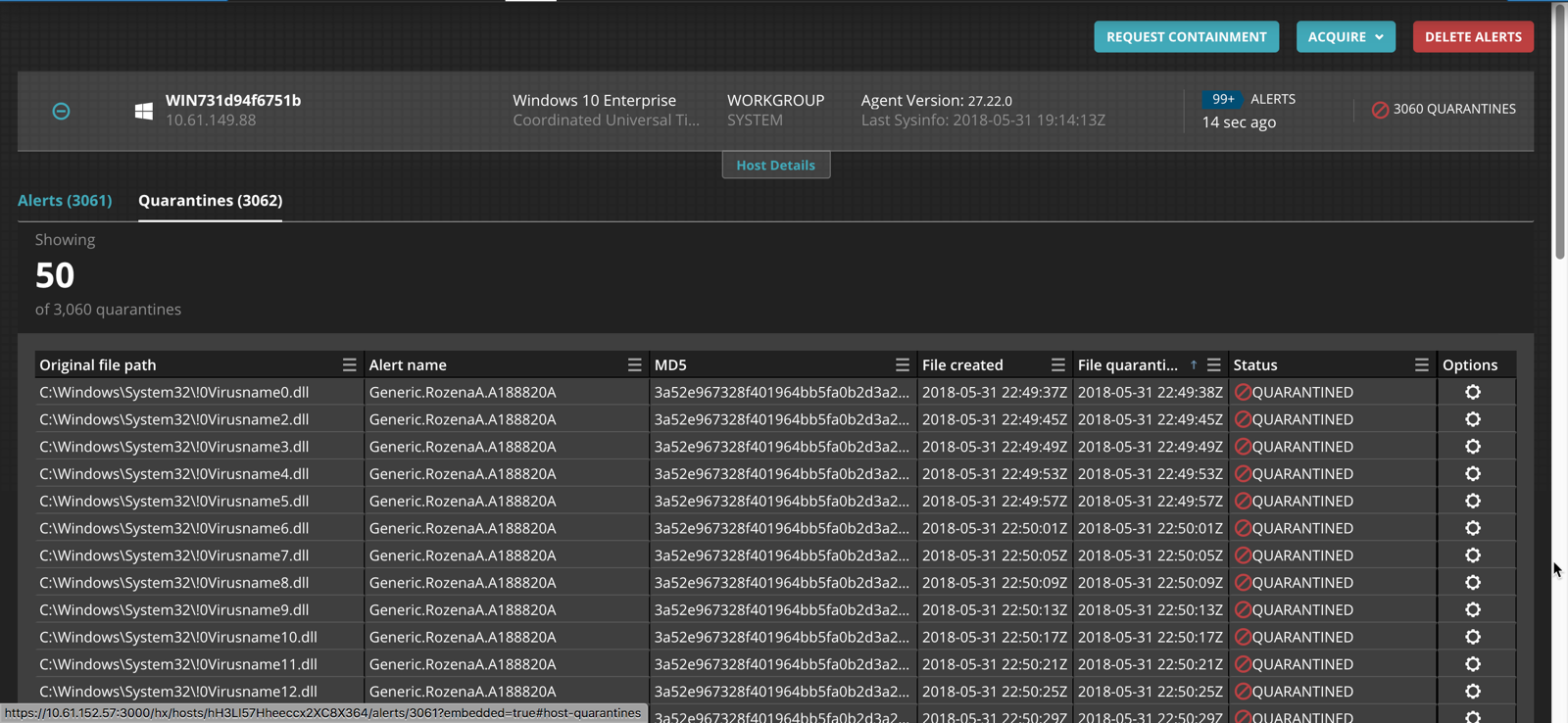
 button associated with the file you want to restore and select Restore File.