Note
When downloading your software, either for the first-time installation or for an upgrade installation, you can find the necessary files in the Software Manager (Software Catalog in ePolicy Orchestrator - On-premises 5.10).
First-time installation workflow
As a ePO - On-prem administrator, you can install the TIE Server appliance using an OVA or an ISO file on a Virtual Machine (VM) after you deploy the Trellix Data Exchange Layer brokers. For your endpoints, you install the TIE client module and the Trellix DXL client you need. To complete the installation, you need to configure the operation mode of the TIE server and assign its policies.
.png)
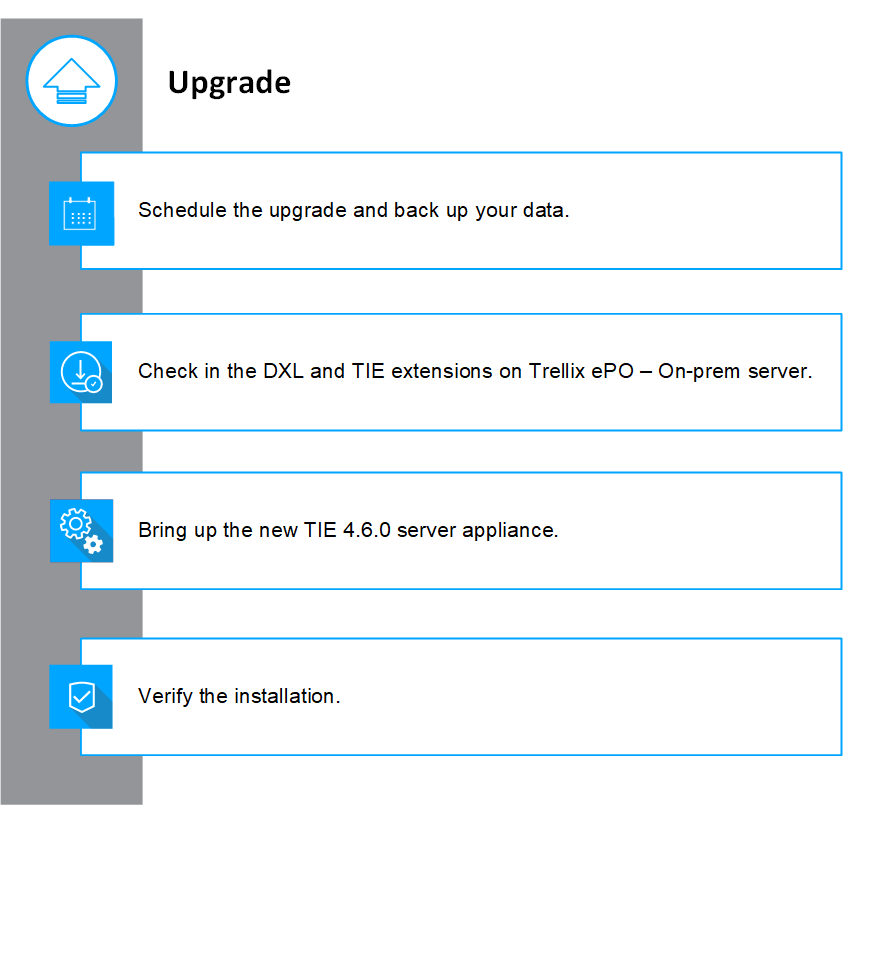
Upgrade installation workflow
If you have your TIE server installed, upgrade to the latest version to benefit from the latest improvements.