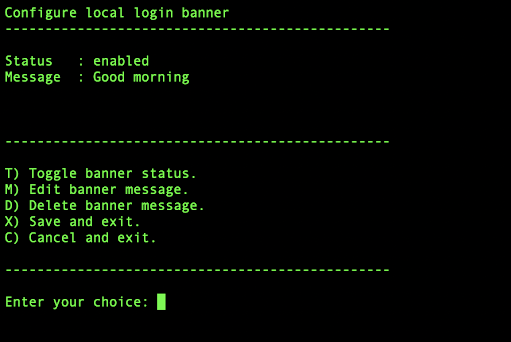
You can customize or remove the messages that appear when users log in to the NDR appliance.
You can configure the following messages:
Remote banner—Shown after the username is entered in the CLI session.
Local banner—Shown when you login from vlabs.
Message of the Day—Shown after the user is authenticated and logged into the appliance CLI. This is used for local logins. For example, opening the NDR console from vlab.
Note
Show banners are displayed when all the three banners are configured.
Message of the day is viewed after a successful login.
Messages can be longer than one line. To add a new line, type
Enter.
The default local banner and message of the day are shown in the following illustration.