Sortable columns in the alerts list are identified by a down arrow after the column name. By default, alerts are sorted on the Time column (the alert generation date and time stamp) in descending order.
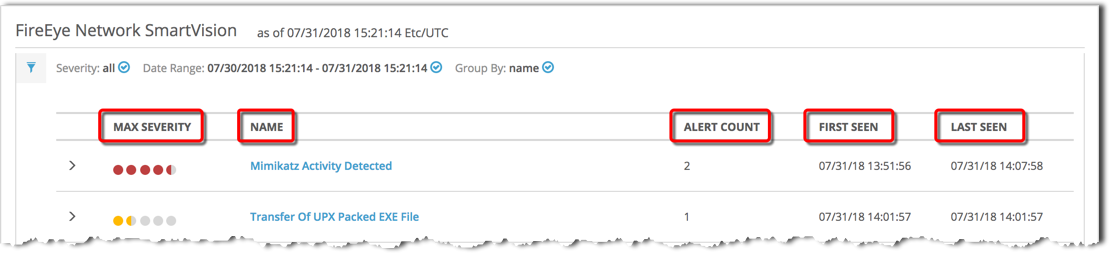
SmartVision alerts list grouped by rule name
All columns are sortable. See About SmartVision alerts grouped by rule name for column descriptions.
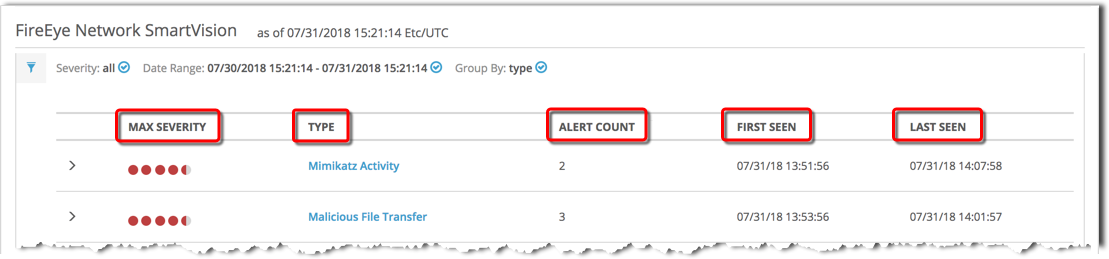
SmartVision alerts list grouped by attack type
All columns are sortable. See About SmartVision alerts grouped by attack type for column descriptions.
SmartVision alerts list without grouping
All columns are sortable except SC Version. See About SmartVision alerts listed without groupings for column descriptions.
