The alert request uses the HTTP GET method to retrieve alert data from your appliance. The responses to your alert request can be formatted in either JSON or XML. On the Central Management System appliance, you can use the alert acknowledgment request to confirm that you have reviewed the alert so that it is no longer listed in the Web UI.
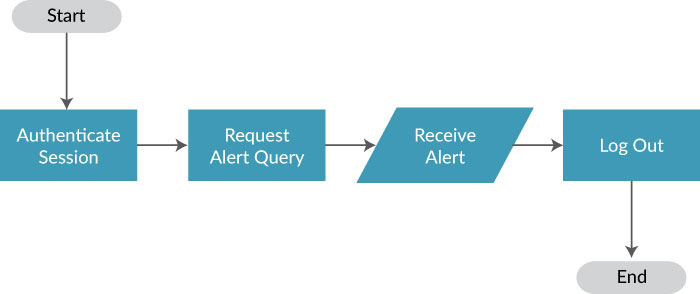
The following flow chart shows how to issue a basic alert request:
Note
Responses are limited to 200 alerts; this limit cannot be changed. If there are more alerts than 200, the HTTP response code is 206. To avoid receiving the 206 code, reduce the duration of your request until the HTTP response code is 200.
By default, requests are limited to a 12-hour duration. Alerts are either retrieved for the 12 hours after the start time or the 12 hours preceding the end time. You can specify the duration using the duration option.
This section covers the following:
View existing alerts. See Alert request .
Acknowledge a single alert. See Alert acknowledgment request .
Configure alert notifications. See Alert notification settings