The Alerts Summary widget lists the number of alerts in each attack category detected over the past day, week, or month.
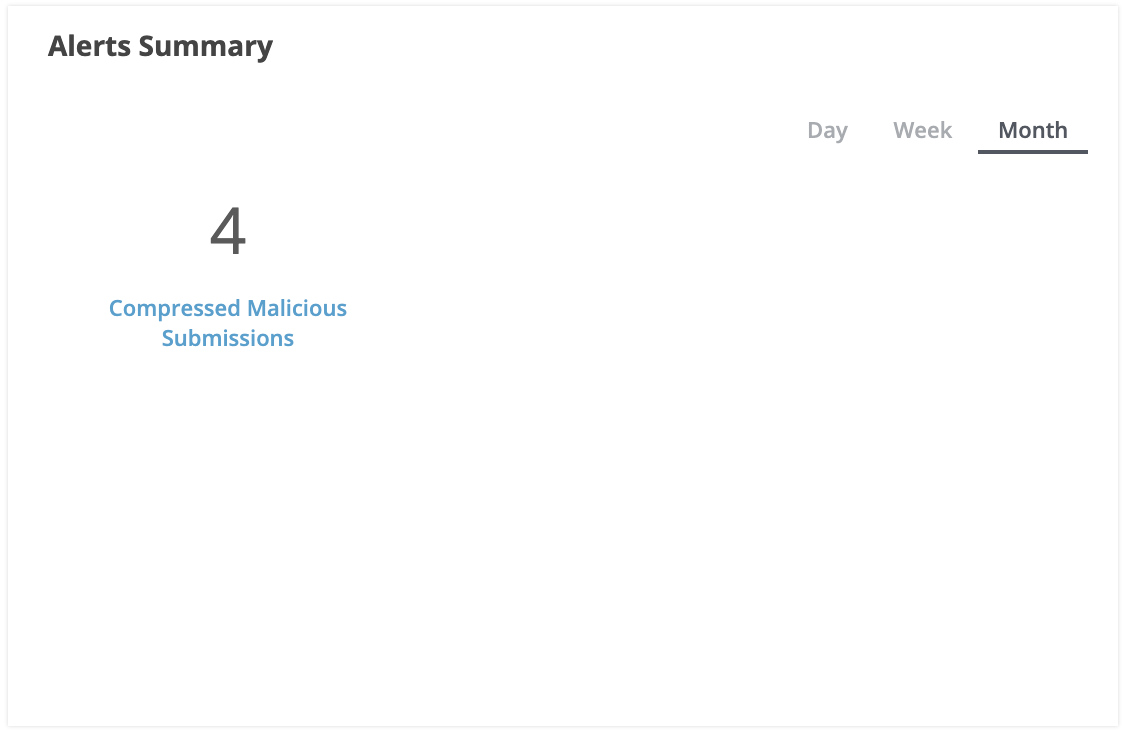
The attack category names are shortcuts to the Analysis page.
The following table describes attack categories that can be counted in the Alerts Summary widget of the dashboard. In the widget, you can click an attack category name to view the individual alerts in that category for the selected time period.
Attack Category Counted | To View Individual MVX‑Correlated Alerts |
|---|---|
Malware Guard | Click Malware Guard to open the Alerts tab, filtered to show alerts that contain any of the following values in the Alert Type column:
|
Total Retroactive Alerts | Click Total Retroactive Alerts to open the Alerts tab, filtered to show alerts that contain any of the following values in the Badges column:
|
Compressed Malicious Submissions | Click Compressed Malicious Submissions to open the Analysis page to identify the malicious submissions. |
Malicious Submissions | Click Malicious Submissions to open the Analysis page to identify the malicious submissions. |
Alerts | Click Alerts to open the Analysis page, filtered to show alerts submitted in the specified period of time. |
Riskware Alerts | Click Riskware Alerts to open the Analysis page, filtered to show riskware alerts submitted in the specified period of time. |