Use the Sensors page to check the status and health of managed appliances.
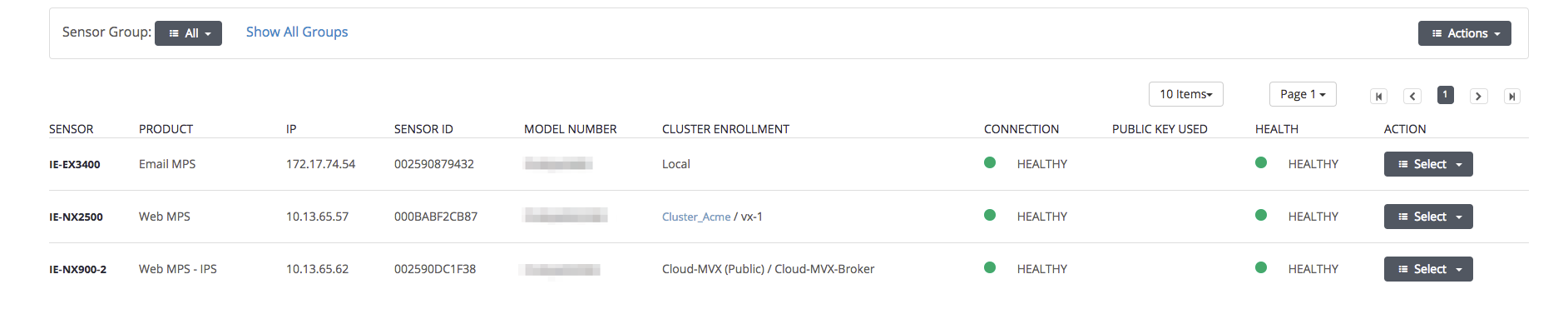
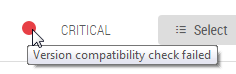
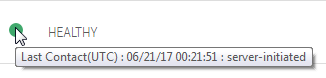
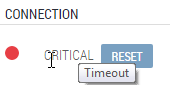
The Connection and Health columns provide high-level information. Additional information is displayed if you hover over an icon in the columns, as shown in the following examples.
 | |
 | |
 |
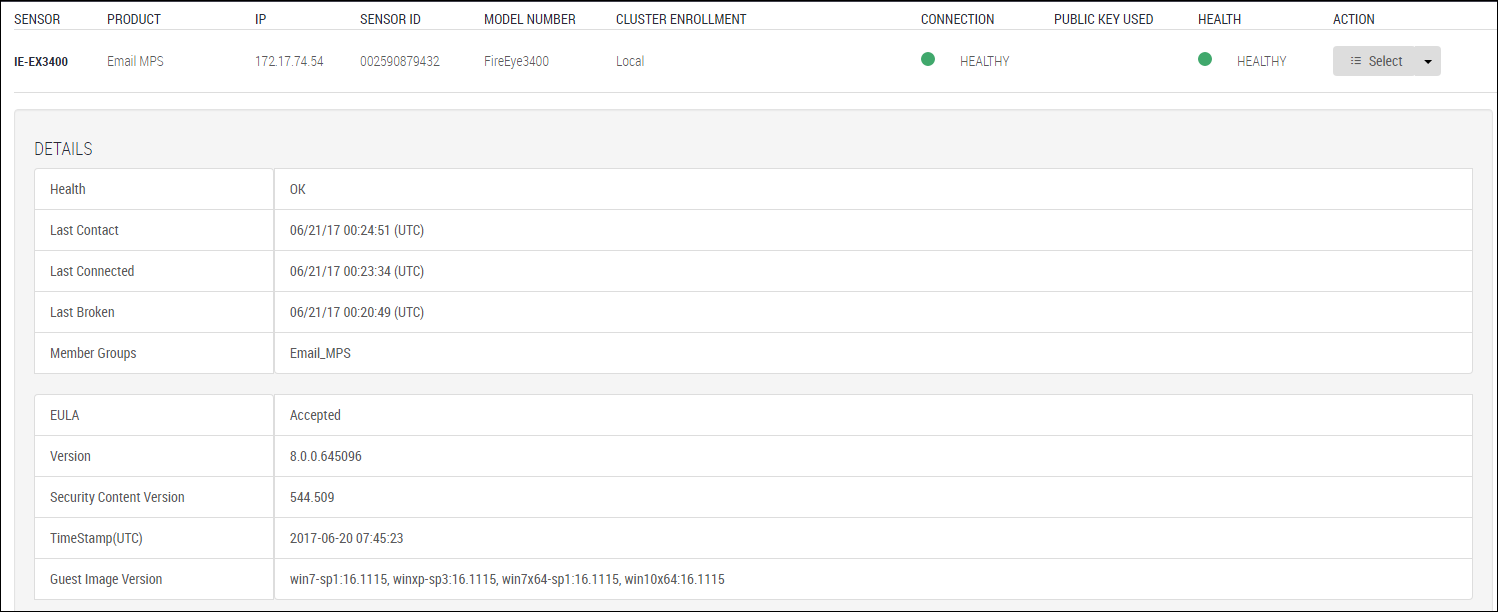
Detailed information is displayed when you click the appliance name in the Sensor column, as shown in the following example and described in Appliance information .
Refreshing the status information
An administrator can do the following when there are connectivity or health warnings:
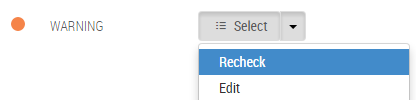
Recheck collects the appliance details and health status, and updates the information in the Connection and Health columns and the expanded section.
Reset checks the connection status when the Central Management System appliance has no connectivity to the appliance. Reset also restores the connectivity if the underlying cause is removed. Connectivity loss can happen for the following reasons:
The appliance is offline.
The appliance is online but there is a serious issue (for example, the database or a process is down, an out-of-memory condition exists, or an incorrect IP address was configured for the appliance).
Click the Appliances tab. The Sensors tab should be selected.
Hover over icons in the Connection and Health columns to view additional information.
Click the appliance name in the Sensor column to view appliance details.
To recheck the status:
Click Select > Recheck in the Action column in the row for the appliance you want to recheck.
Important
The Recheck option is not available if the managed appliance initiated the connection to the Central Management System appliance, as described in the System Administration Guide or Administration Guide for the managed appliance.
To reset connectivity:
Click Reset in the Connection column for the appliance.