Use the Settings page to configure inline mode.
In inline mode, you can configure the appliance with one or two network port pairs. The following example shows one network port pair.
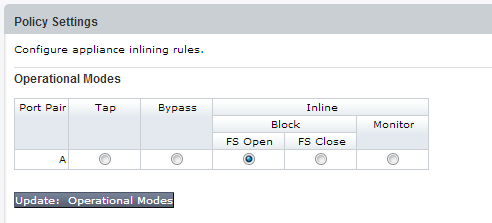
The following example shows two network port pairs.
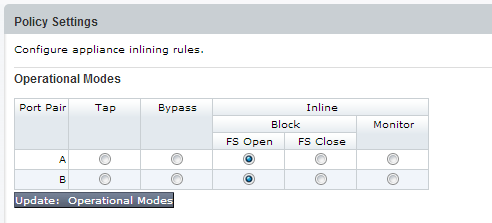
Operational modes for inline deployment are described in the following table.
Mode | Description |
|---|---|
Block | Blocks malicious traffic (recommended).
|
Monitor | Monitors the traffic and generates alerts on malicious events. |
Bypass | Forced bypass wherein the Network Security appliance neither blocks nor analyzes traffic.
|
For details about inline deployment, refer to the Hardware Administration Guide for your appliance model.
Operator or Admin access
Click the Settings tab.
Click Inline Operational Modes on the sidebar.
Select a blocking option for each available port pair. (Inline Block FS Open is recommended).
Click Update: Operational Modes.