Use the Appliance Settings pages to configure managed appliances. Only appliance setting options specific to the appliances currently being managed by the Central Management System appliance are displayed on the sidebar under the Appliance Settings tab. For example, in the following illustration, the Inline Operational Modes tab is only displayed for managed Network Security appliances.
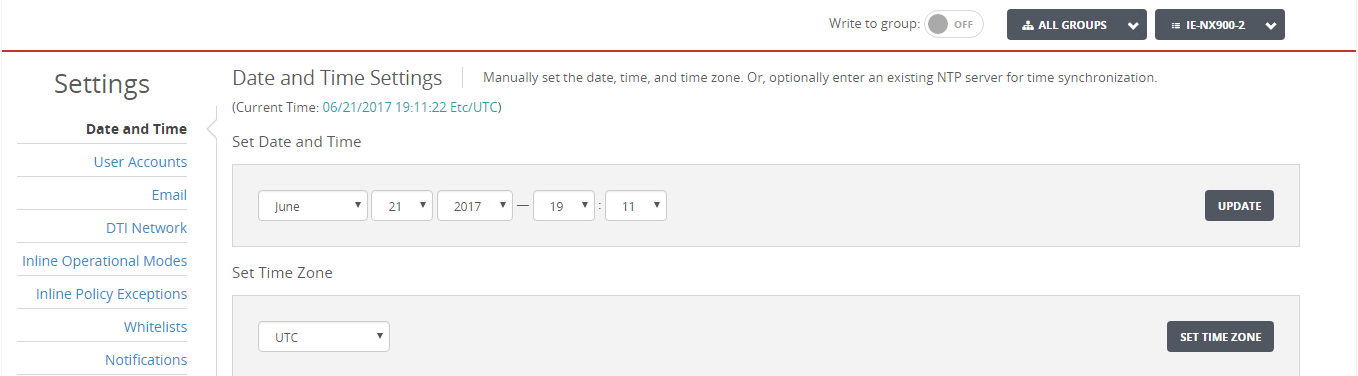
On the individual settings pages, only information specific to the appliances currently being managed is displayed. For example, only license notifications specific to those appliances are displayed in the Appliance Settings: Appliance Licenses page.
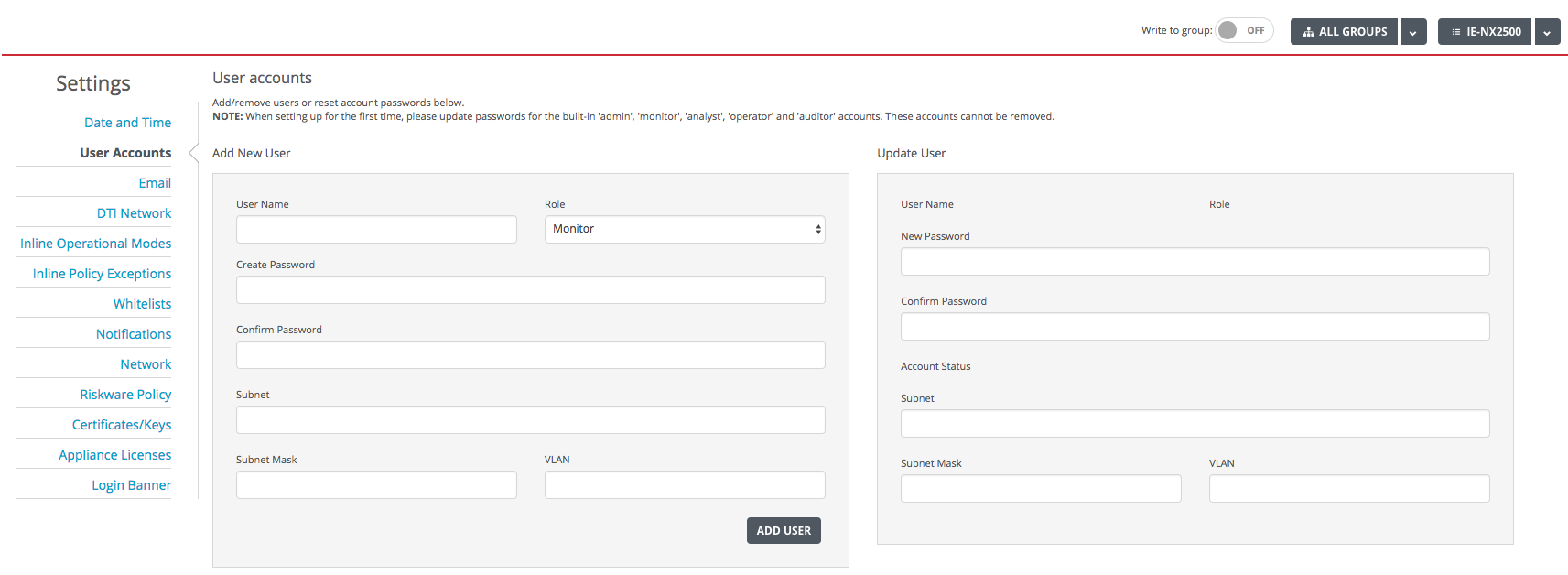
When a single appliance is selected on a common settings page, the Write to group control is displayed at the top of the page. If the control is set to On when you apply a change, the change is pushed to all appliances in the group selection. For example, in the following illustration, after you click Add User, Jim will be added to all appliances being managed by the Central Management System appliance because All Groups is selected as the group. (If a specific group were selected, he would be added to all of the appliances in that group.)
Note
If a change is related to a new feature, the change will only be applied to those appliances running the minimum required version.