Trellix IAM provides global roles that correspond to the six roles for Email Security — Server appliance local user accounts. The local roles are described in Capabilities of local roles on CM Series, EX Series, and NX Series appliances.
Viewing the roles
To view the list of Email Security — Server appliance roles, filter the list of roles on the Name column.
Requirements
To view the list of IAM roles for Trellix Email Security — Server appliances:
Select Organization Settings > Roles.
Filter the list on the Name column, specifying the match the string
EXin all capital letters. (The filter is case-sensitive.) The list refreshes and shows only the roles that grant access to Email Security — Server appliances.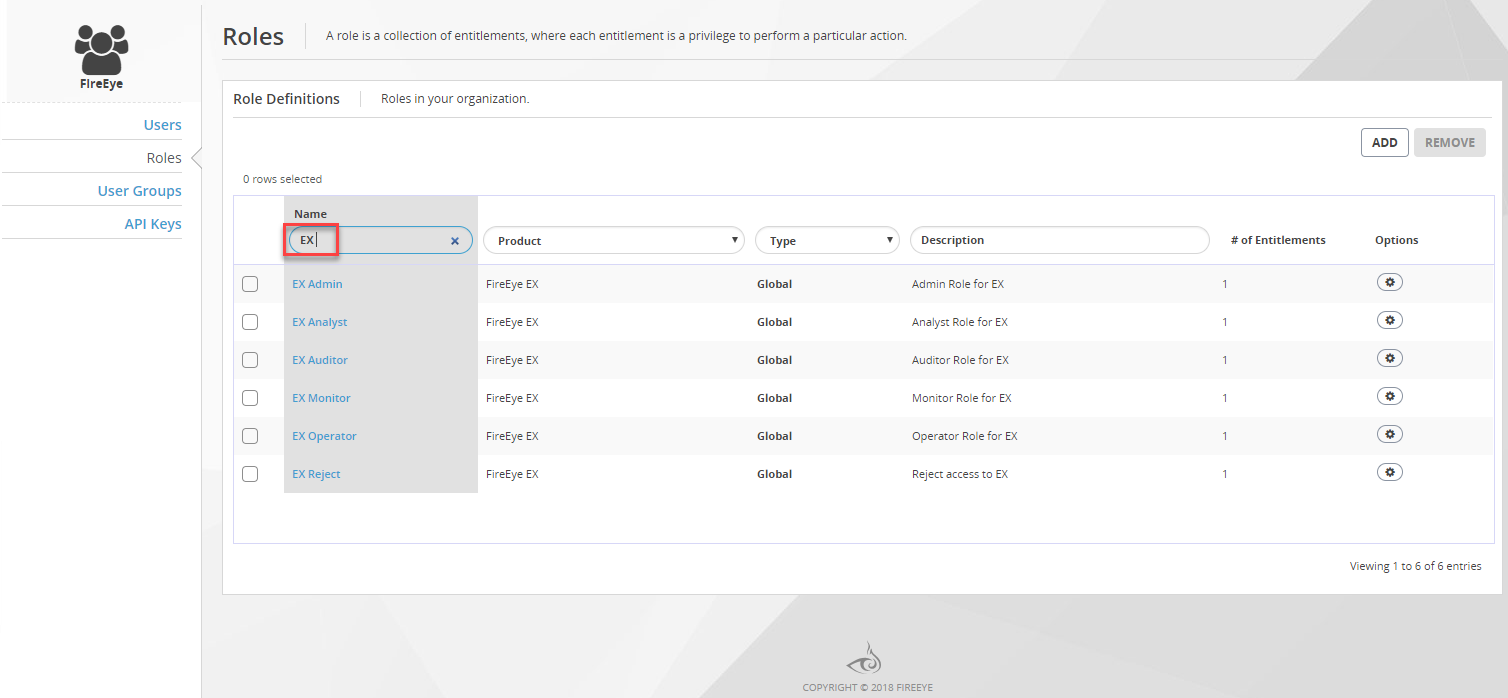
The global roles for Email Security — Server appliances each map to a single entitlement that represents multiple access privileges.