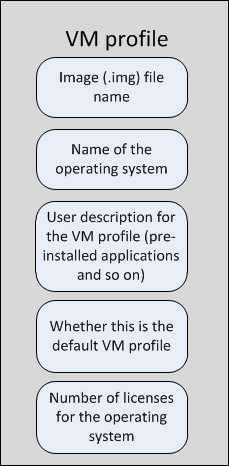
After you convert the imported VMDK or VHDX file to an image file, you create a VM profile for that image file.
Note
You cannot associate this VM profile with any other image file. Similarly, once associated, you cannot change the VM profile for an image file.
VM profiles contain the operating system and applications in an image file. This enables you to identify the images that you uploaded to Intelligent Sandbox and then use the appropriate image for dynamically analyzing a file. You can also specify the number of licenses that you possess for the operating system and the applications. Intelligent Sandbox factors this in when creating concurrent analyzer VMs from the corresponding image file.
You use the Intelligent Sandbox web application to manage VM profiles.