Tags: Compliance, PCI
Class: ms_windows_event
Required List: cde_hostnames
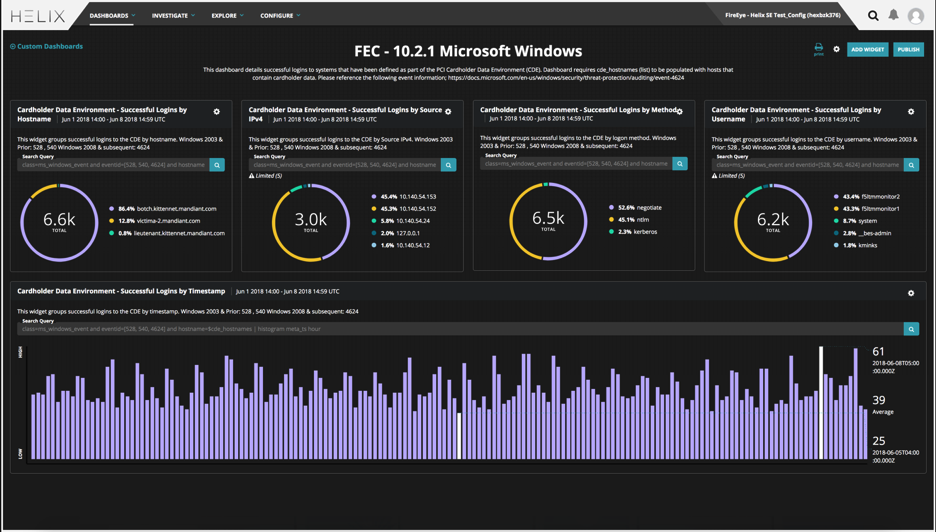
Successful Logins by Hostname: Displays successful logins by hostname that were established within the last 7 days.
Successful Logins by Source IPv4: Displays successful logins by source IPv4 that were established within the last 7 days.
Successful Logins by Method: Displays successful logins by method that were established within the last 7 days.
Successful Logins by Username: Displays successful logins by username that were established within the last 7 days.
Successful Logins by Timestamp: Displays successful logins within the last 7 days.
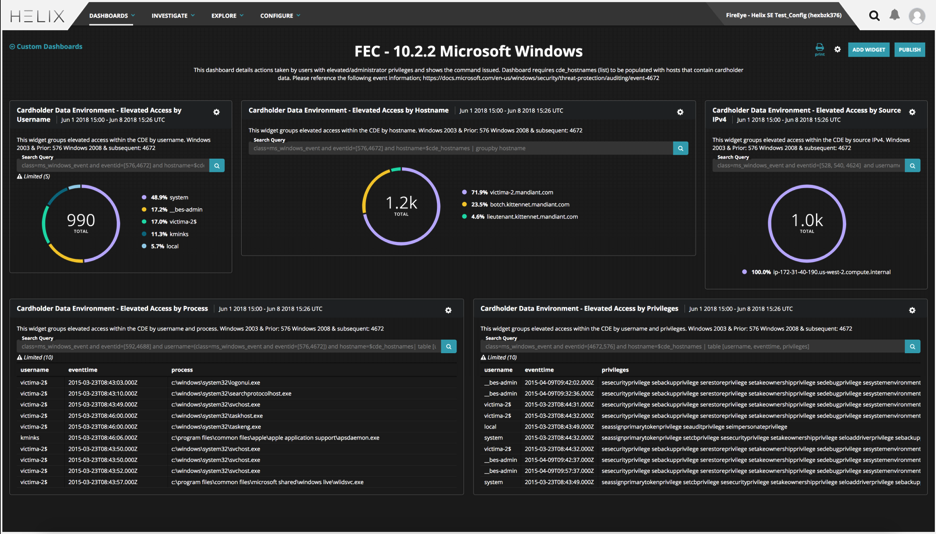
Elevated Access by Username: Displays elevated access by username that were established within the last 7 days.
Elevated Access by Hostname: Displays elevated access by hostname that were established within the last 7 days.
Elevated Access by Source IPv4: Displays elevated access by source IPv4 that were established within the last 7 days.
Elevated Access by Process: Displays elevated access by process that were established within the last 7 days.
Elevated Access by Privilege: Displays elevated access by privilege that were established within the last 7 days.
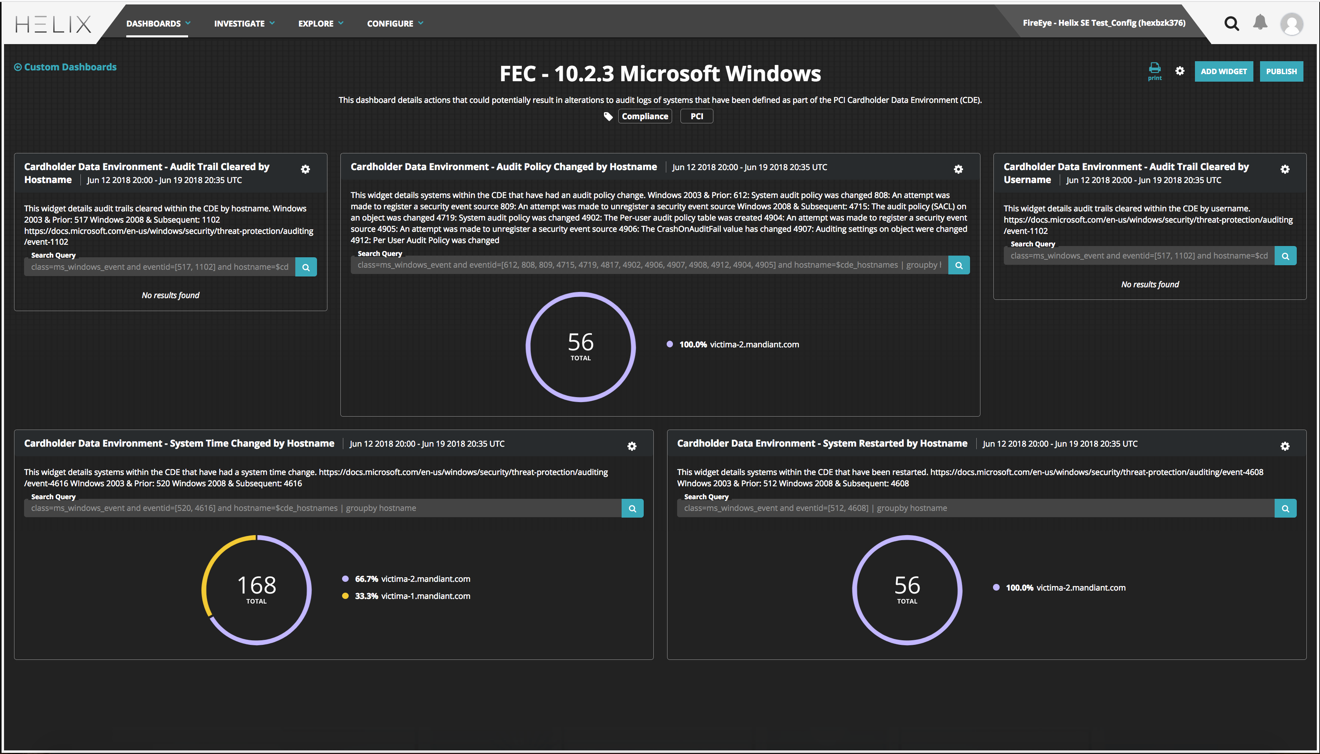
Audit Trail Cleared by Hostname: Displays modifications to audit logs by hostname within the last 7 days.
Audit Policy Changed by Hostname: Displays modifications to audit policy by hostname within the last 7 days.
Audit Trail Cleared by Username: Displays modifications to audit logs by username within the last 7 days.
System Time Changed by Hostname: Displays modifications to system time by hostname within the last 7 days.
System Restarted by Hostname: Displays system restarts by hostname within the last 7 days.
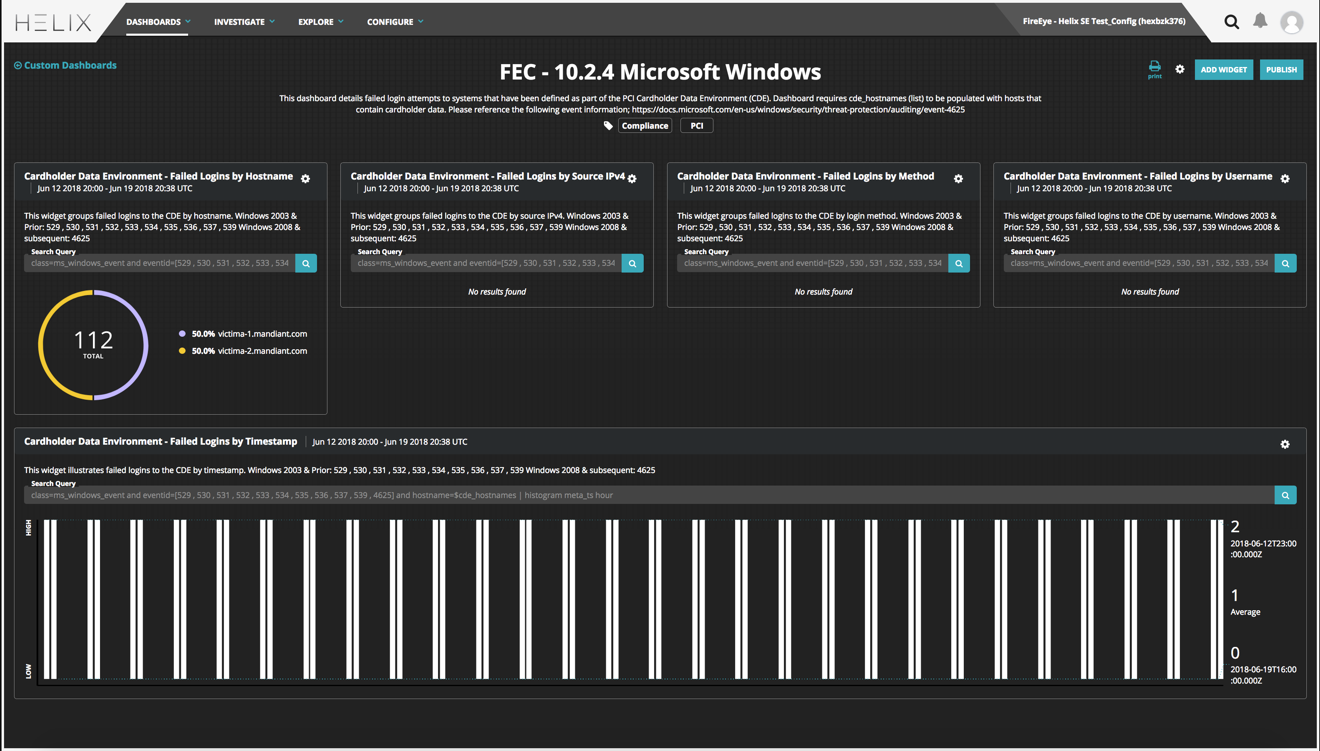
Failed Logins by Hostname: Displays failed logins by hostname that were established within the last 7 days.
Failed Logins by Source IPv4: Displays failed logins by source IPv4 that were established within the last 7 days.
Failed Logins by Method: Displays failed logins by method that were established within the last 7 days.
Failed Logins by Username: Displays failed logins by username that were established within the last 7 days.
Failed Logins by Timestamp: Displays failed logins within the last 7 days.
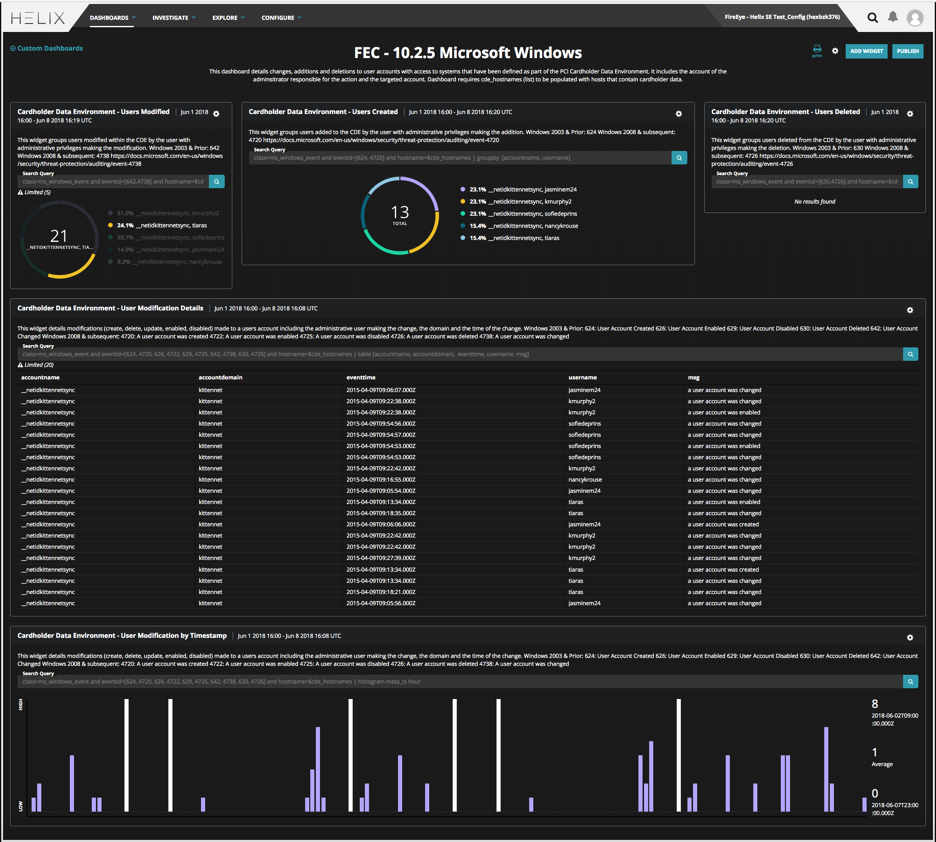
Users Modified: Displays user modifications within the last 7 days.
Users Created: Displays user creation within the last 7 days.
Users Deleted: Displays user deletion within the last 7 days.
User Modification Details: Display details regarding user modifications within the last 7 days.
User Modification by Timestamp: Illustrates user modifications by timestamp within the last 7 days.