Central Management System (CMS) > Central Management System System Administration Guide Release 11.x > Appliances > Monitoring aggregated alert data > Network Security and Email Security — Server event correlation
Central Management System (CMS) > Central Management System System Administration Guide Release 10.x > Appliances > Monitoring aggregated alert data > Network Security and Email Security — Server event correlation
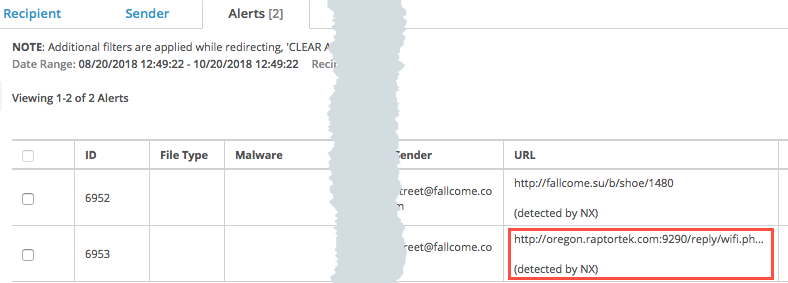
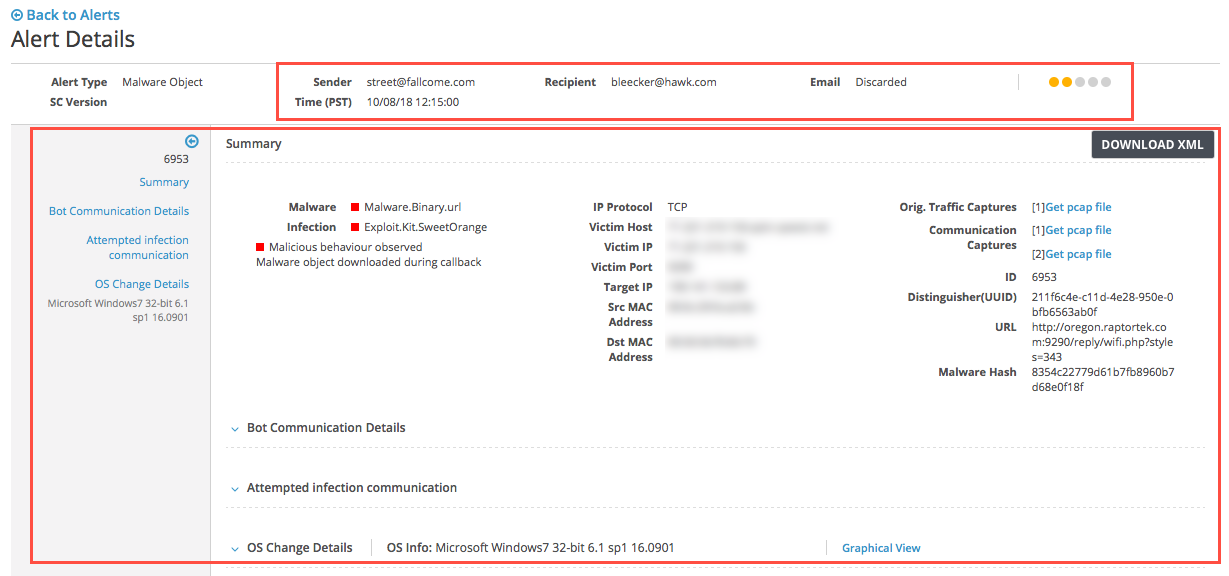
Central Management System (CMS) > Central Management System System Administration Guide Release 11.x > Appliances > Monitoring aggregated alert data > Network Security and Email Security — Server event correlation > Reviewing email alerts correlated with Web events
Central Management System (CMS) > Central Management System System Administration Guide Release 11.x > Appendices > Configuring the CM peer service > Central Management System Peer Distributed Correlation