You can revoke API keys individually, or you can revoke multiple API keys at once, provided that the keys were created using your Trellix Cloud user account. To revoke API keys, use the API Keys view of the My Settings > API Keys page. This view lists the API keys created using your Trellix IAM account.
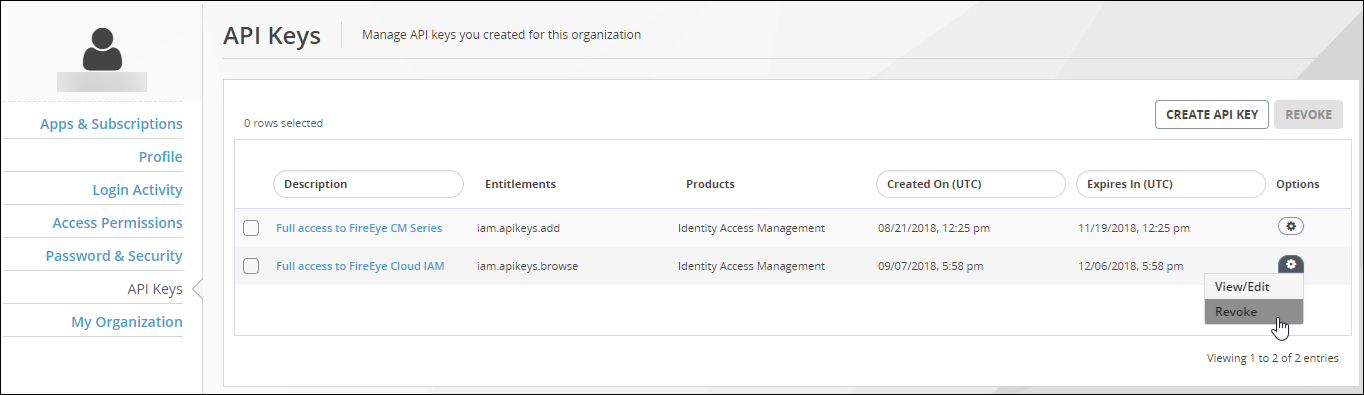
To revoke an API key created using this account:
Log in to the Trellix IAM Web UI.
Select My Settings > API Keys.
The page displays the list of API keys you created.
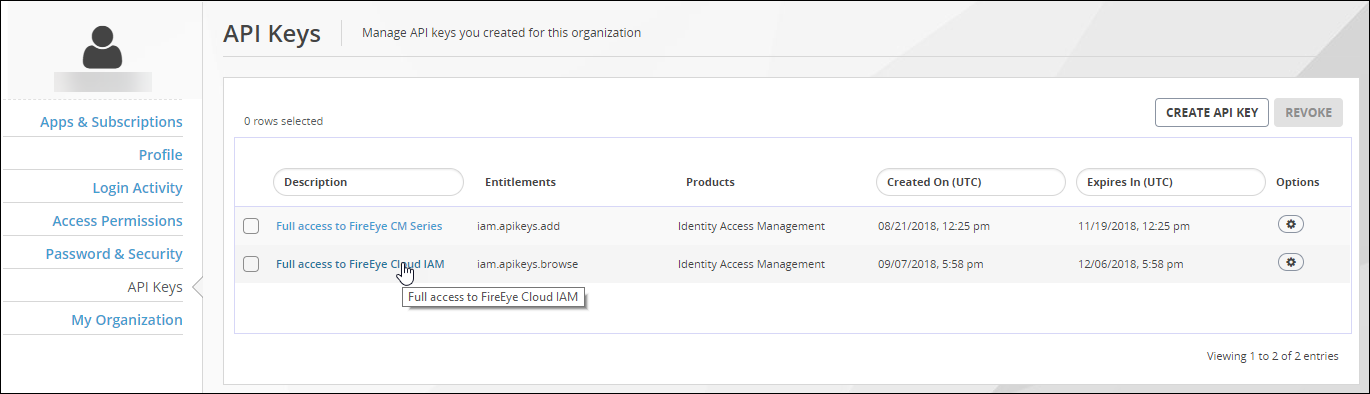
To revoke an individual API key:
Locate the API key you want to revoke.
If you want to see the entitlements for an API key, click the linked text in the Descriptions column. Click the browser Back button to return to the list of API keys.
Click the Options icon and select Revoke.
Click OK.
To revoke multiple API keys at once:
Select the checkboxes for the API keys you want to revoke.
If you want to see the entitlements for an API key, click the linked text in the Descriptions column. Click the browser Back button to return to the list of API keys.
Click Revoke.
Click OK.