You can request an unlock code for your contained Windows, macOS, or Linux host using the Host Details page or an API request.
To request an unlock code for a contained host using the Web UI:
Select Hosts in the Endpoint Security (HX) Web UI.
Click the Expand icon (
 ) associated with the contained host.
At the top of the Host Details page, click Unlock Code button.
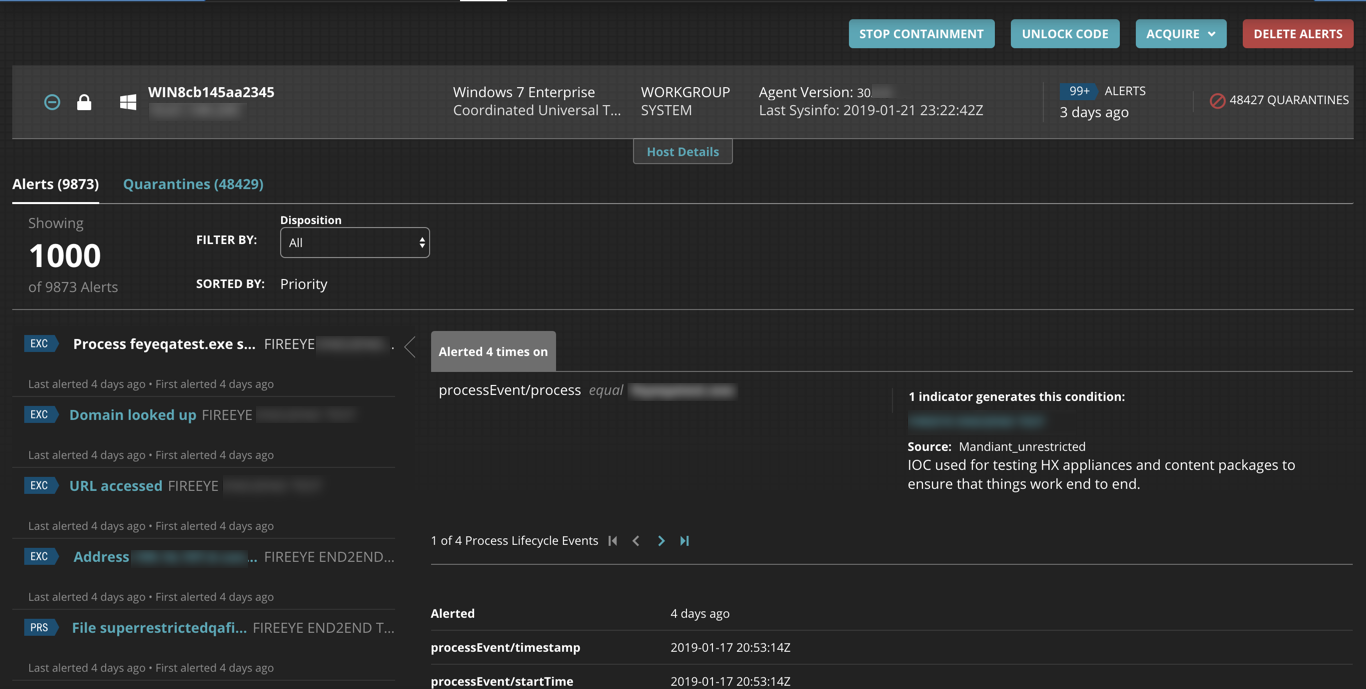
When the Unlock Code dialog box appears, copy the unlock code associated with the contained host.
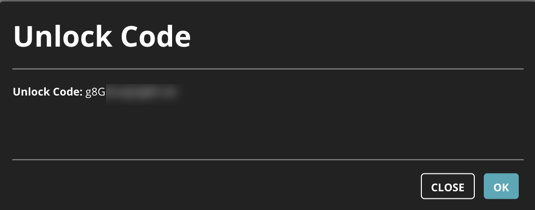
Click OK.
To request an unlock code for a contained host using an API, use the following request.
GET https://{{address}}:3000/hx/api/v3/hosts/<agentid>/containment/unlock_codes