The quota management system has been implemented in Trellix Wise Generative AI feature, tailored to the user's allocated quota. This system allows users to efficiently track and manage their usage limits, ensuring a smooth experience with the Ask Wise and Natural Language Search functionalities. This quota applies to both the Ask Wise functionality in the Monitoring and Device search dashboards as well as the Natural Language Search assisted by Search with Wise functionality in Historical Search.
The quota for the Trellix Wise service varies by user type. For free or trial users, the Ask Wise functionality allows up to 30 analyses, that include searches from Monitoring and Device search dashboards, while Natural Language assisted query permits 60 AI generated analysis. In essence, as a free or trial user, you can utilize Ask Wise functionality a maximum of 30 times and Search with Wise functionality up to 60 times.
Note
A rate limit is implemented for Trellix Wise analyses in the Monitoring, Device Search, and Historical Search dashboards. The limits for a tenant is set at 30 requests per minute for Monitoring and Device Search analyses, and 60 requests per minute for Natural Language Search queries.
Quotas are refreshed monthly. Whether you are a new or existing Trellix Wise customer, your specific quota depends on the search options opted during the purchase of Trellix Wise feature. You can easily check your initial quota, current availability, and refresh details by navigating to Menu → EDR Support → Support → Wise.
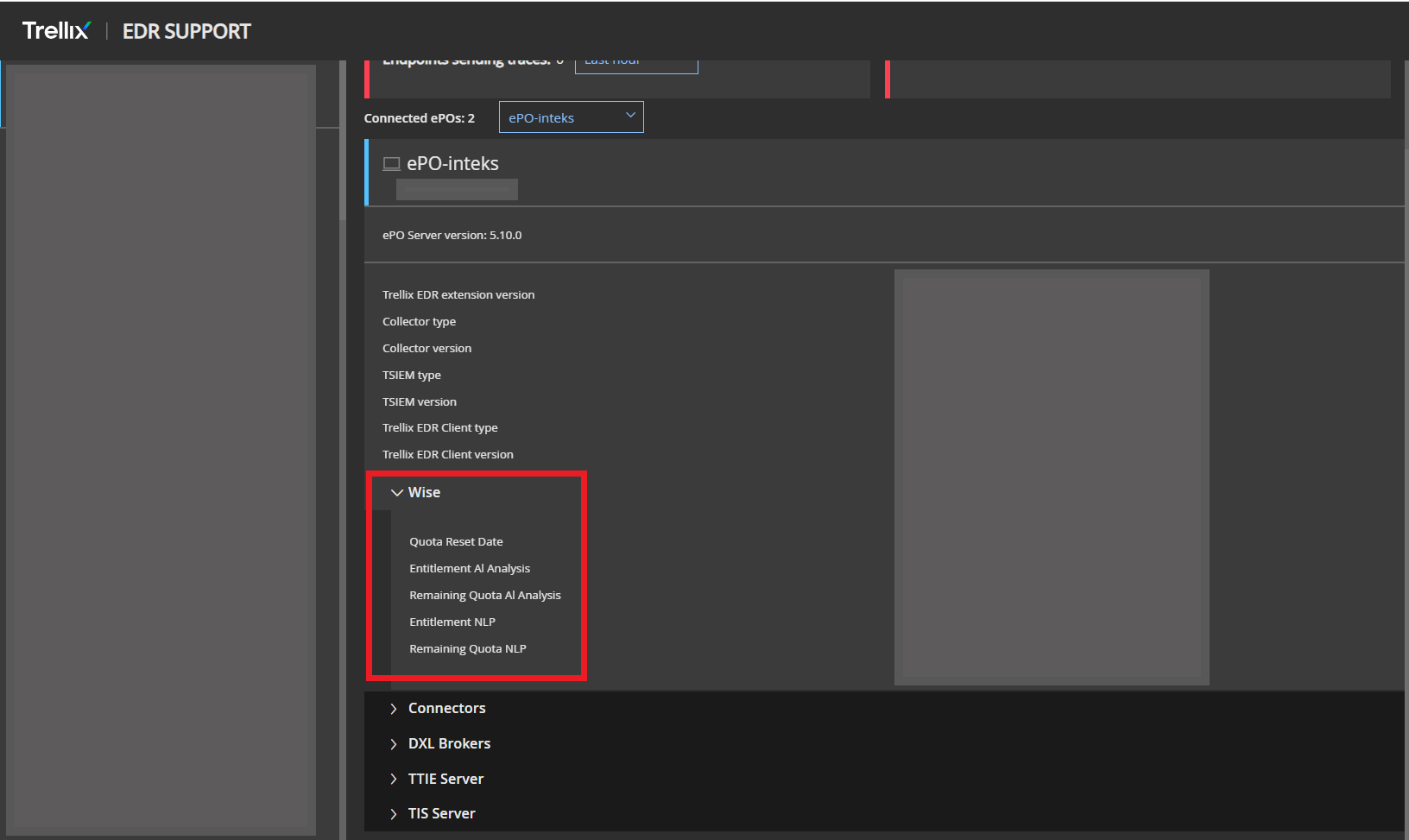
Note
For customers who have purchased Trellix Wise, the quota is activated on the date of purchase. In contrast, for free or trial users, the quota becomes effective after your first use of the Ask Wise functionality in the Monitoring dashboard, Device Search, or the Search with Intelligent functionality in Historical Search. This ensures that all users can effectively engage with the features once they start utilizing them.