Use the CLI commands in this topic to add impersonation detection rules.
Prerequisites
An established connection between the Email Security - Server appliance and the Internet.
Admin and Operator access to the Email Security - Server appliance.
Ensure the impersonation riskware policy rules are configured for alert or quarantine.
65027, High Confidence Email Impersonation Weights 80-99 Matched65028, Low Confidence Email Impersonation Weights 50-79 Matched
Go to CLI configuration mode.
hostname > enable hostname # configure terminal
Specify names and email addresses to add to the impersonation rule.
To add a rule with a single name and email address:
hostname (config) # email-analysis impersonation add <name> <email-address>
To add a rule with multiple names and email addresses:
hostname (config) # email-analysis impersonation add <name1[,name2,…]> <email-address1[,email-address2,…]>
Note
If a name contains spaces, enclose it in double quotation marks.
Use a space between the name list and email list.
Use a comma to separate multiple names and email addresses.
Examples:
hostname (config) # email-analysis impersonation add "Lilly-Li Searle","L Searle" lilly-li_searle@abccompany.com,lilly-li-searle@gmail.comhostname (config) # email-analysis impersonation add “H Stubbs”,"Harold Stubbs","Mr. Stubbs" Harold@malware.com,harold.stubbs@malware.comVerify the changes.
hostname (config) # show email-analysis impersonation all
1: Valid Name(s): Lilly-Li Searle L Searle Valid Email(s): lilly-li_searle@abccompany.com lilly-li-searle@gmail.com 2: Valid Name(s): H Stubbs Harold Stubbs Mr. Stubbs Valid Email(s): Harold@malware.com harold.stubbs@malware.comSave the changes to the current active configuration.
hostname (config) # write memory
Examples
Note
If email was detected with a strong or weak riskware indication but matched aTrellix YARA rule, the email will generate a high confidence impersonation riskware alert.
Example 1 (Triggers High Confidence Alert)
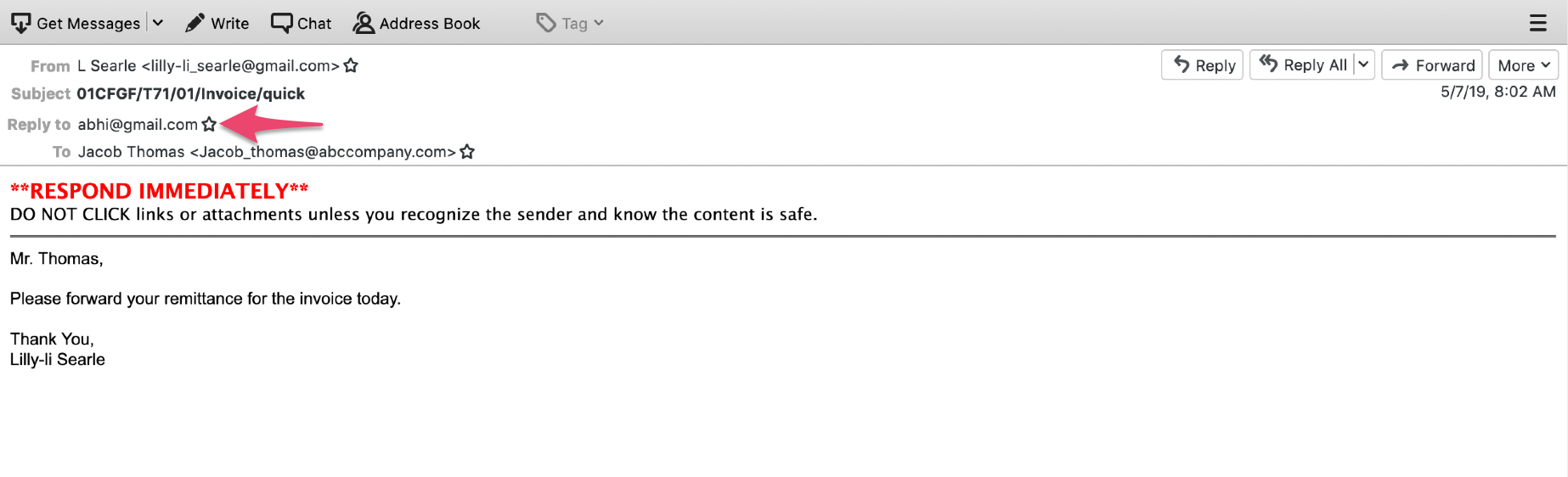
In this example, the Reply to header is present in the email header, but the Reply to email does not match the From email address.
This case generates a high confidence alert with a signature name: CustomPolicy.MVX.65027.HighConfidenceEmailImpersonation.impersonation
Impersonation Rule:
Valid Name(s): Lilly-Li Searle L Searle Valid Email(s): lilly-li_Searle@abccompany.com lilly-li-searle@gmail.com
The incoming email contains:
From "L Searle” <lilly-li-searle@gmail.com> Reply to abhi@gmail.com
Example 2 (Triggers High Confidence Alert)
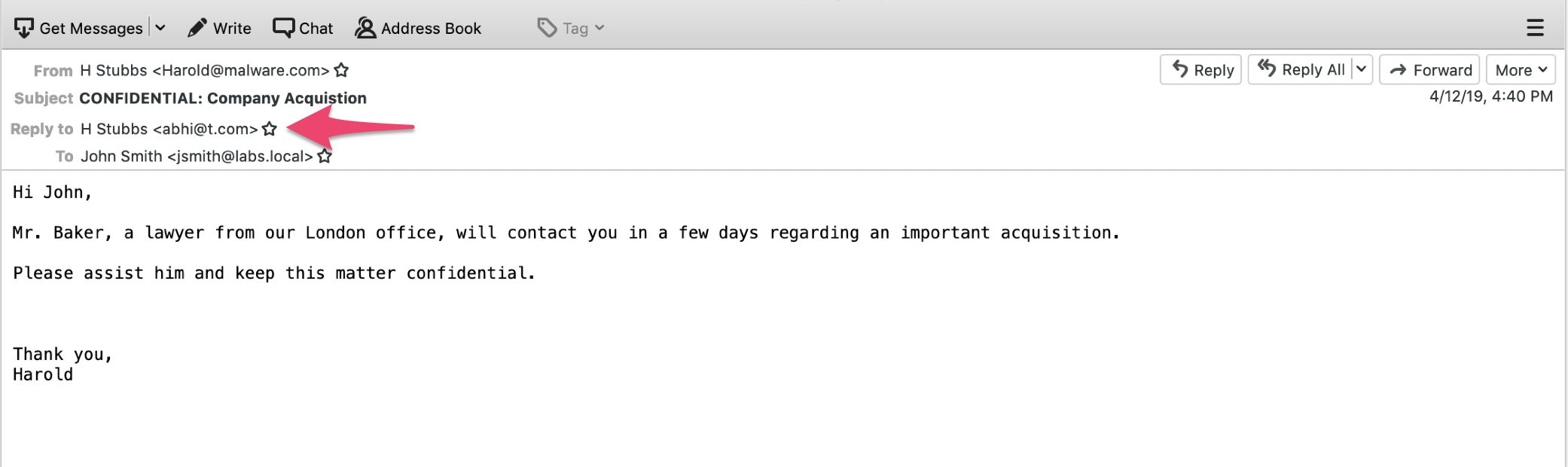
In this example, the From email display name and Reply to display name match the rule, but the Reply to email address does not match the From email address.
This case generates a high confidence alert with a signature name: CustomPolicy.MVX.65027.HighConfidenceEmailImpersonation.impersonation
Impersonation Rule:
Valid Name(s): H Stubbs Harold Stubbs Mr. Stubbs Valid Email(s): Harold@malware.com harold.stubbs@malware.com
The incoming email contains:
From: "H Stubbs" <Harold@malware.com> Subject: CONFIDENTIAL: Company Acquisition Reply to: "H Stubbs" <abhi@t.com> To: "John Smith" <jsmith@labs.local>
Example 3 (Triggers Low Confidence Alert)
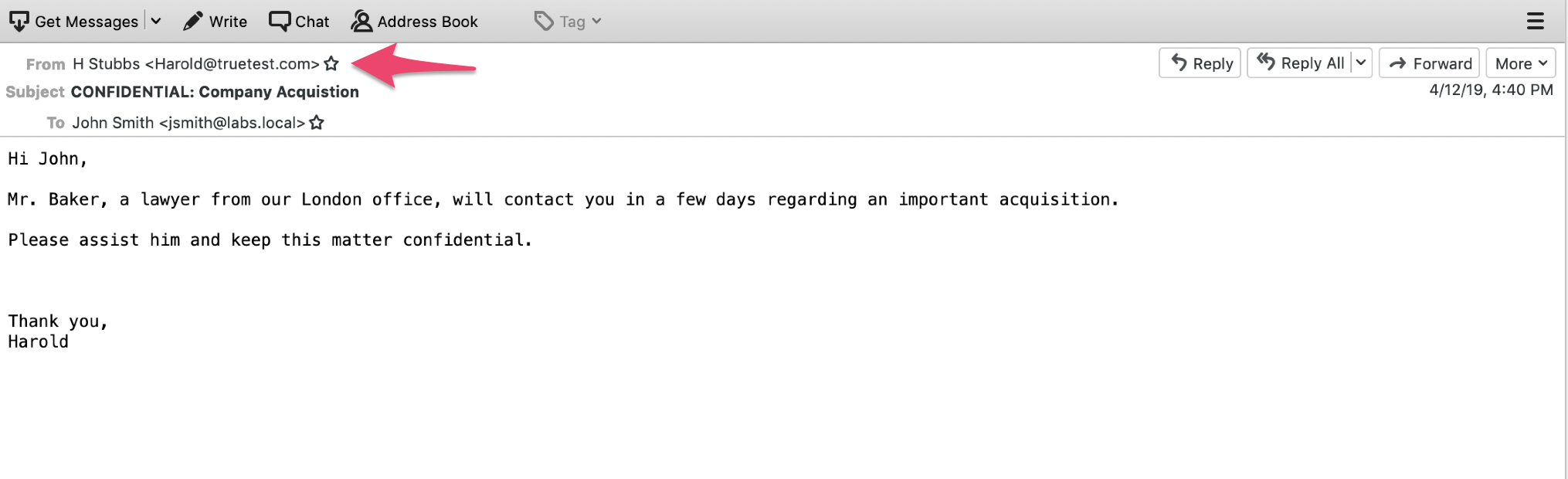
In this example, the display name matches the impersonation rule, but the From email address does not match the impersonation rule.
This case generates a low confidence alert with a signature name: CustomPolicy.MVX.65028.LowConfidenceEmailImpersonation.impersonationn
Impersonation Rule:
Valid Name(s): H Stubbs Harold Stubbs Mr. Stubbs Valid Email(s): Harold@malware.com harold.stubbs@malware.com
The incoming email contains:
From: "H Stubbs" <Harold@truetest.com> Subject: CONFIDENTIAL: Company Acquisition To: John Smith <jsmith@labs.local>
Example 4 (Triggers High Confidence Alert)
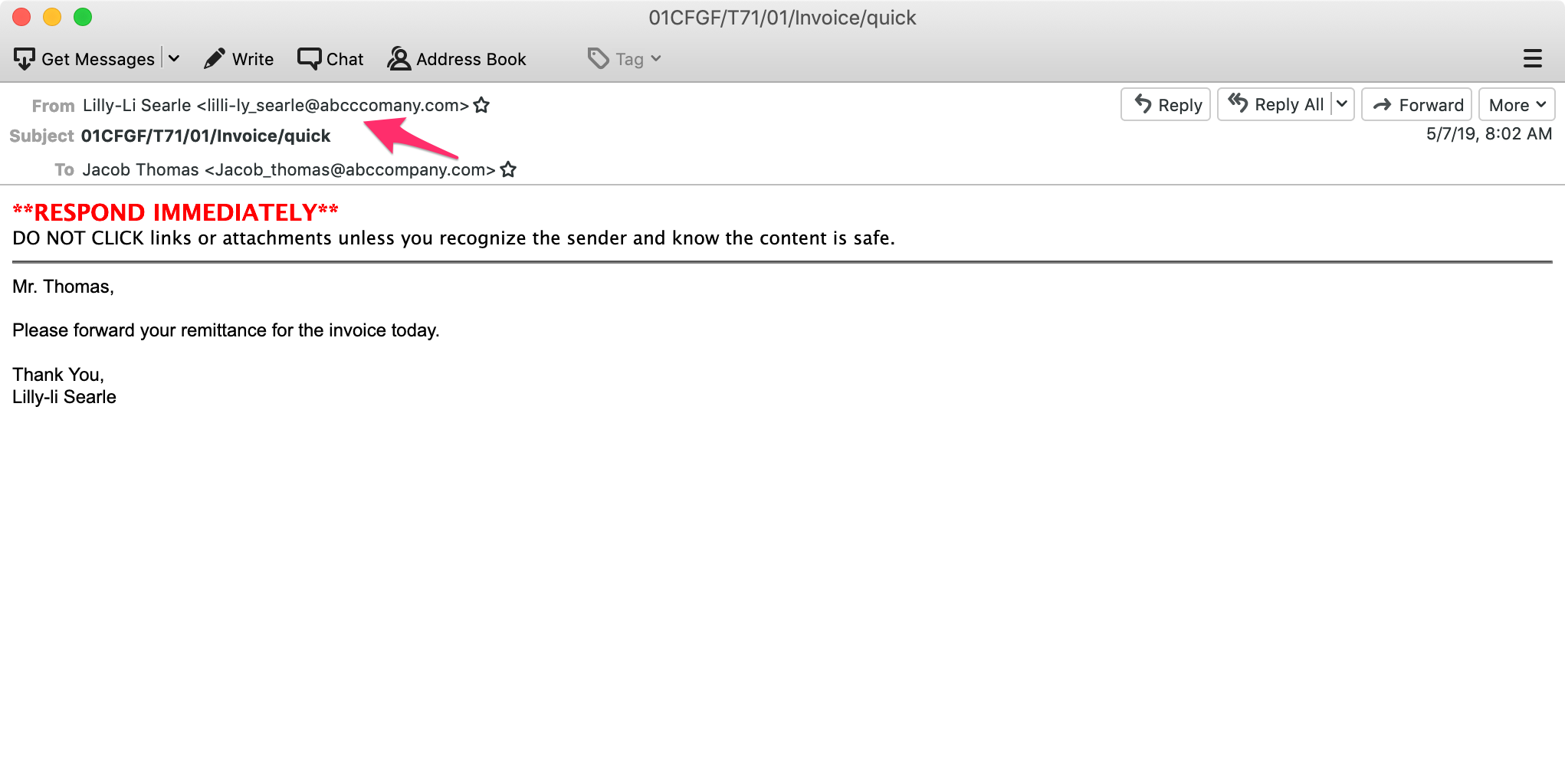
In this example, the display name matches the impersonation rule but the From email address does not match. This email header is considered a weak riskware indication. However, a high confidence alert is generated because the email subject and body match theTrellix YARA rule.
This case generates a high confidence alert with a signature name: CustomPolicy.MVX.65027.HighConfidenceEmailImpersonation.impersonation
Impersonation Rule:
Valid Name(s): Lilly-Li Searle L Searle Valid Email(s): lilly-li_Searle@abccompany.com lilly-li-searle@gmail.com
The incoming email contains:
From: "Lilly-Li Searle" <lilli-ly_searle@abcccomany.com>
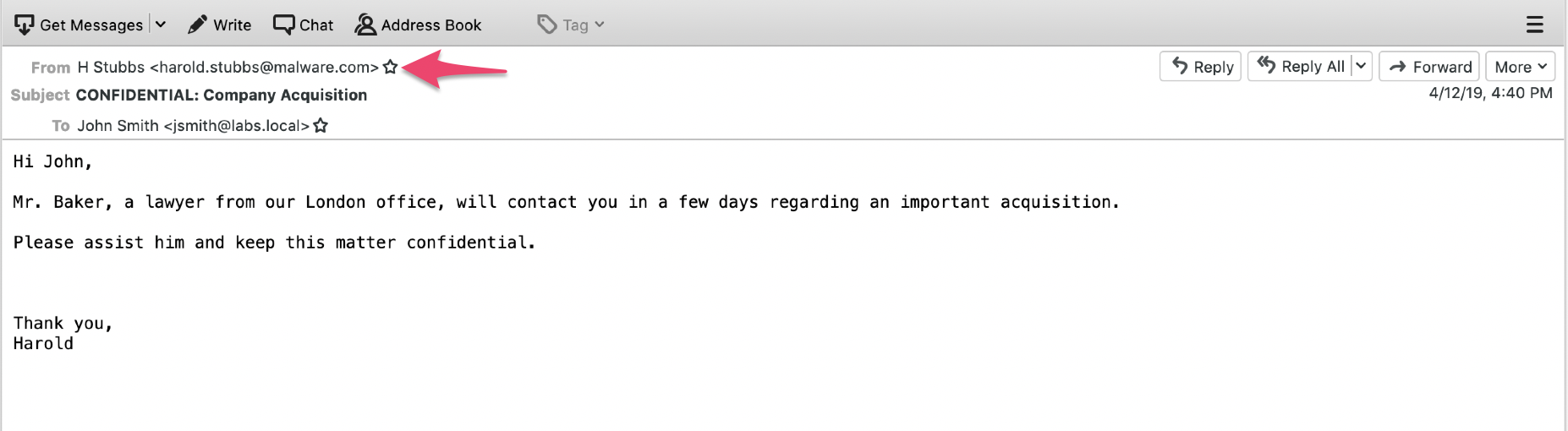
Example 5 (No Sender Impersonation Rule Trigger)
In this example, both the From email address and the display name exactly match the impersonation rule.
This case does not generate a riskware alert.
Valid Name(s): H Stubbs Harold Stubbs Mr. Stubbs Valid Email(s): Harold@malware.com harold.stubbs@malware.com
The incoming email contains:
From: "H Stubbs" <harold.stubbs@malware.com> Subject: CONFIDENTIAL: Company Acquisition To: John Smith <jsmith@labs.local>