For MS365 authorizations, you can sync Email Security — Cloud with the active directory groups of users in the Azure app.
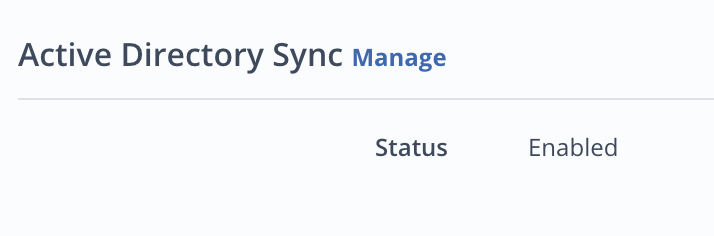
You can enable AD sync when creating an authorization in the Email Security portal or you can enable it within existing authorizations.
The authorization policy must be authorized before you can enable AD sync.
The following permissions are required to be set in the Azure Application:
API | Permission |
Directory.Read.All | |
GroupMember.Read.All, Group.Read.All |
To enable AD sync:
Go to the Authorization Configuration page of your authorization.
Under Active Directory Sync, click Manage.
Select Sync.
Click Save.