Use Notification Templates to customize content of email notifications delivered to end-users. You can create multiple custom templates to meet your organizational requirements. Assign a template to a notification type in Quarantine Report Settings to manage outgoing emails.
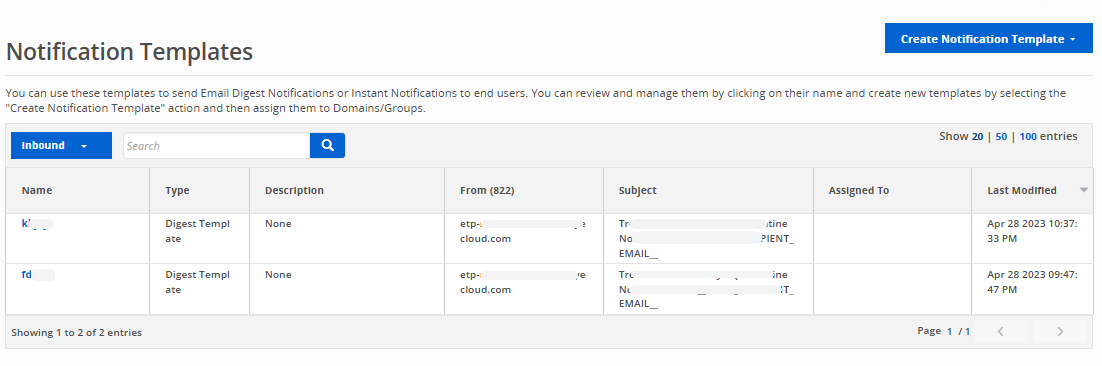
Go to Configure > Notification Templates to create and manage notification templates for your emails.
Create a notification template
Modify a notification template
To modify an existing template:
Click the name of a template to go to the settings page.
Click the Manage link.
Make the desired edits and click Save.