Important
There are two versions of IAM. If the URL you use to access the IAM UI ends with
fireeye.com, this document pertains to you. If the URL you use to access the IAM UI ends withtrellix.com, see the Trellix IAM Guide for information regarding IAM.
Only admins in non-read-only roles can delete other IAM admins or users. A read-only organization admin does not have privileges to delete other IAM admins or users.
To delete a user in the IAM Web UI:
On your Email Security — Cloud dashboard, click Organization. From there, select Additional Settings.
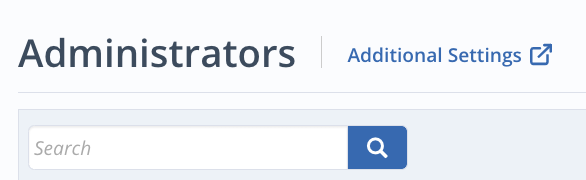
You are directed to the Manage Users page. Check the box next to the admin(s) that you want to delete.
Select the Delete option on the right.