A warning banner will appear on your Email Security — Cloud dashboard when your licenses are set to expire.
When all of your licenses are about to expire, the following banner will be enabled 30 days before the expiry date of the last license to expire.

When your licenses have expired, you will be granted a grace period of 90 days to renew your subscriptions. The following banner will be enabled on the date of expiry which will also be the start of grace period. Trellix Email Security — Cloud will stop accepting emails for your registered domains.

When a majority of your licenses have expired, except a few, the following banner will be enabled 30 days before the expiry date of the licenses.
For example, if you have purchased an initial bulk of subscriptions and you top it up later with a few other licenses, the initial subscriptions will expire before the topped up subscriptions. This will result in the reduced count banner.

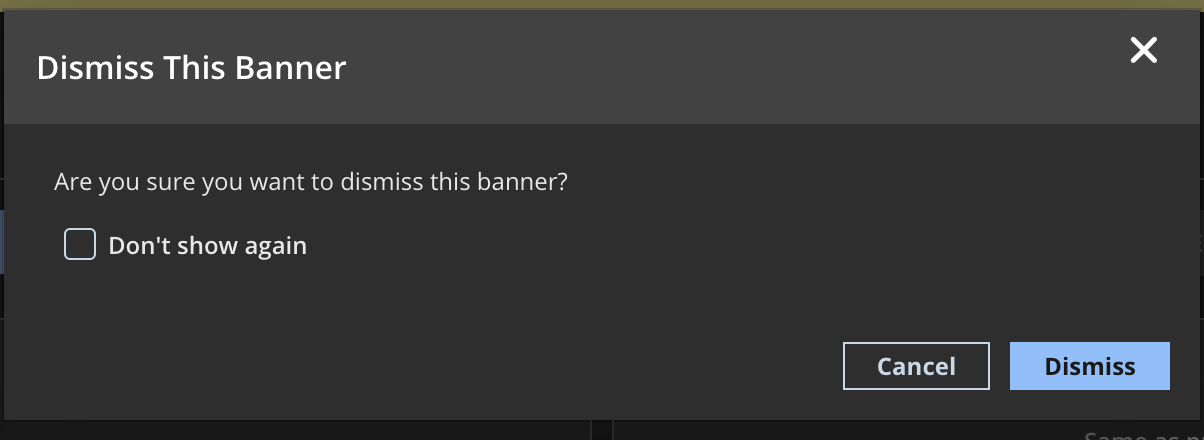
You can click My Subscriptions appearing in the banners to view the subscription details of all your products. To dismiss the banners, you can click the X icon. You can select the checkbox for Don't show again to stop the banners from appearing every time you log in.