You must enroll in Trellix IAM to be granted Email Security — Cloud administrator roles. Individuals in your organization that are protected by Email Security — Cloud, or non-administrative Email Security — Cloud users, do not enroll in Trellix IAM.
Important
There are two versions of IAM. If the URL you use to access the IAM UI ends with
fireeye.com, this document pertains to you. If the URL you use to access the IAM UI ends withtrellix.com, see the Trellix IAM Guide for information regarding IAM.
When you receive an email invitation to join, click the Enroll button in the email and follow the steps below.
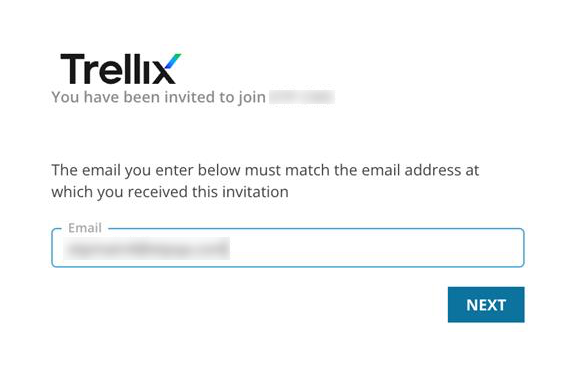
Enter your email address and click Next. You must use the same email address that received the enrollment invitation.
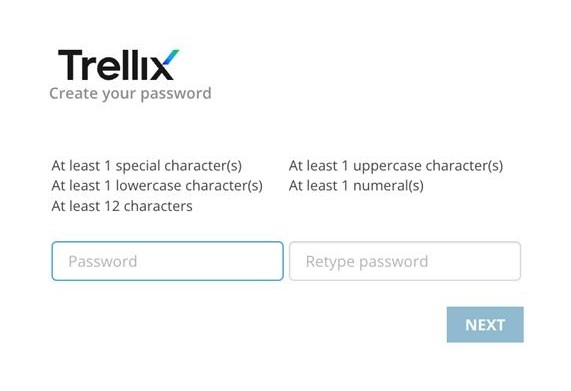
Create a password and click Next.
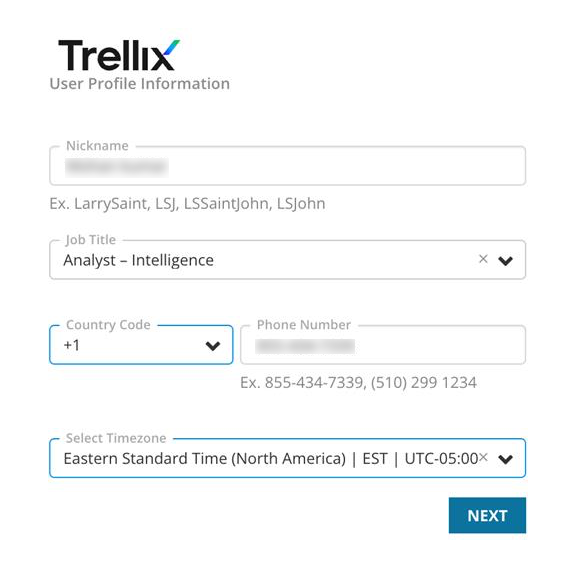
Enter your nickname, job title, telephone number, and time zone. Click Next.
You are asked to select a preferred notification method based on the user information you provide (email address and phone number). Select one and click Next.
You receive a message confirming your successful enrollment in a Trellix IAM organization:
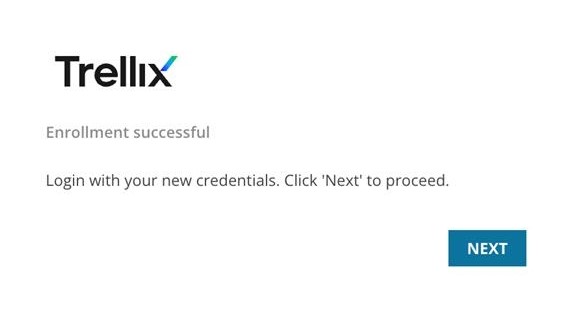
Click Next to be redirected to the Email Security — Cloud log in page.