In the Web UI, click eAlerts and go to the Alerts page.
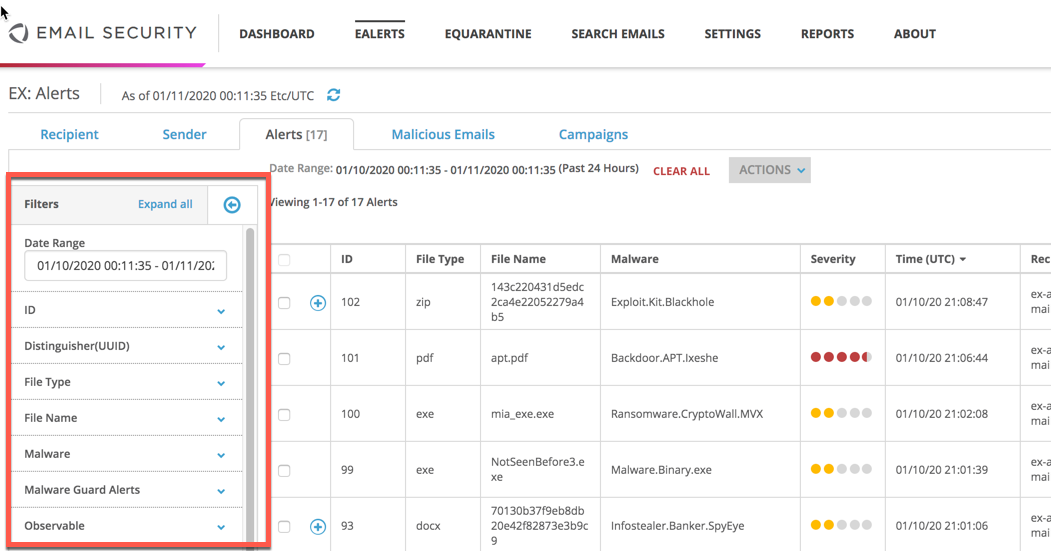
To view and filter Alerts:
Click the Alerts tab.
In the Date Range field, select the time frame you want to view and click Apply. The default is Past 24 hours.
Choose from the following filters to view and monitor alert information:
ID
Distinguisher (UUID)
File Type
File Name
Malware
Malware Guard Alerts
Observable
Severity
Recipient
Sender
URL
Message ID
MD5sum
SHA-256
SC Version
Campaign Name
Badges
Click on a filtered alert item (such as the
apt.pdffile name) to display the alert summary.