Trellix Wise, a new Generative AI feature, enhances Trellix Email Security — Cloud capabilities with the knowledge graph and backing of real-time analysis to make data-driven decisions, optimize operations, and enhance customer experience. This feature enhances usability and helps you quickly analyze vast amounts of data generated by Trellix to reduce the meantime to respond to threats.
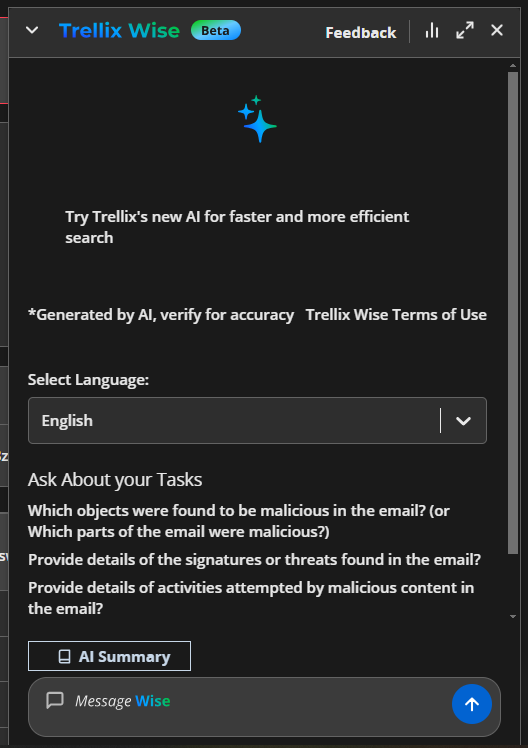
To access Trellix Wise:
Go to Investigate > Alerts page.
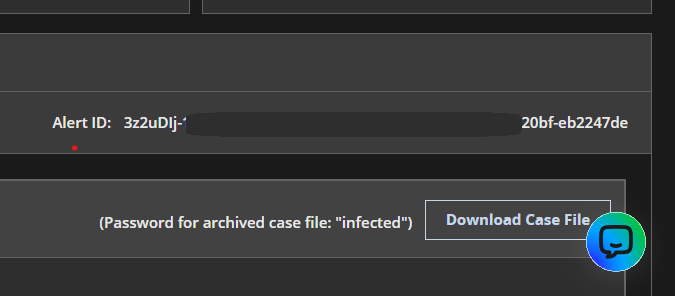
Click on any alert ID. You will be redirected to the Message Details page containing details about the alert.
You will find the Trellix Wise button on the bottom-right corner.
Features
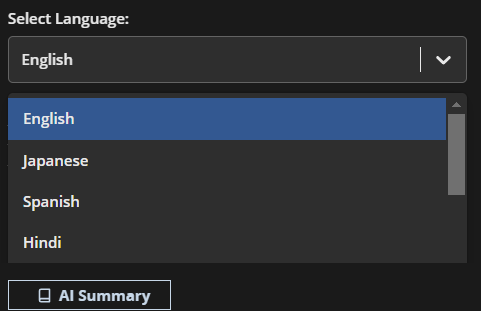
You can select the preferred language from the drop-down menu provided.
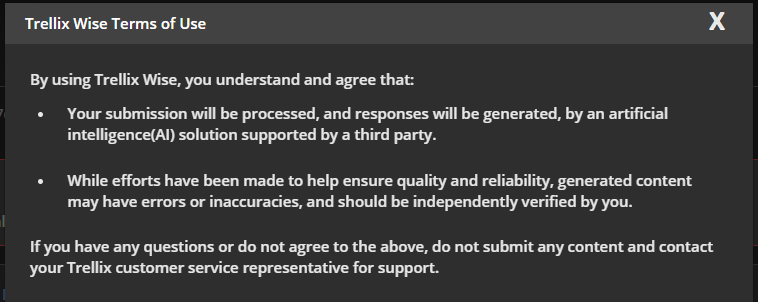
Click Trellix Wise Terms of Use to read about all the terms and conditions in detail.
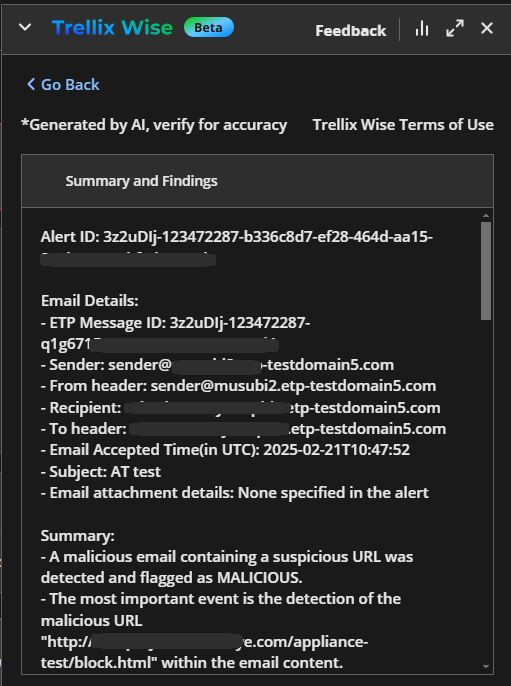
Click AI Summary for a summary of all the details of the alert.
The FAQ section, Ask About your Tasks, lists some questions which are usually asked by many users. Click on a question to receive the answer.
Use the Like and Dislike buttons to provide your feedback on the quality and accuracy of the answer received. You can also use the Copy button to copy the answer.
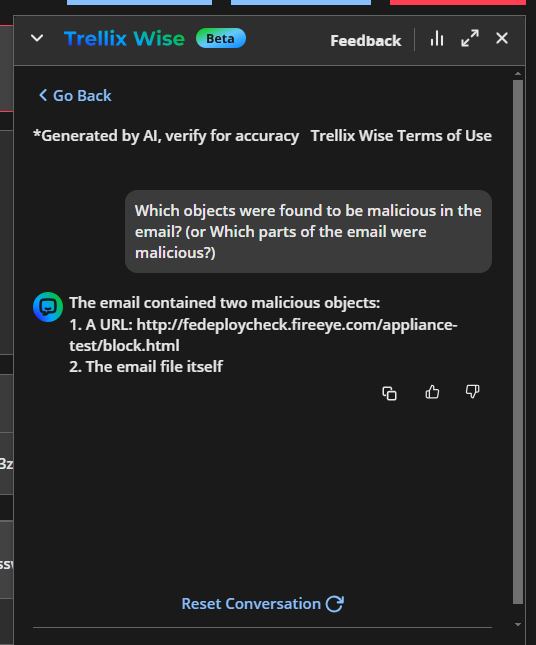
Use the Reset Conversation button to clear the current chat and start a new conversation with Trellix Wise. The chat history will be retained for 7 days.
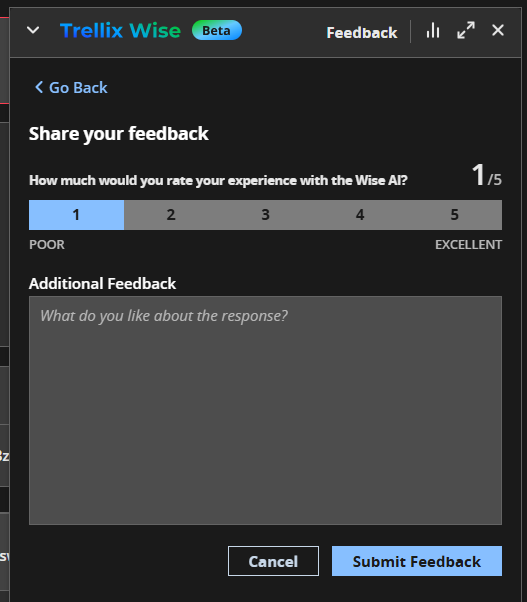
You can also use the Feedback button on the top-right of the chatbox to access the feedback form. Provide you rating and suggestions and click Submit Feedback to submit your feedback.
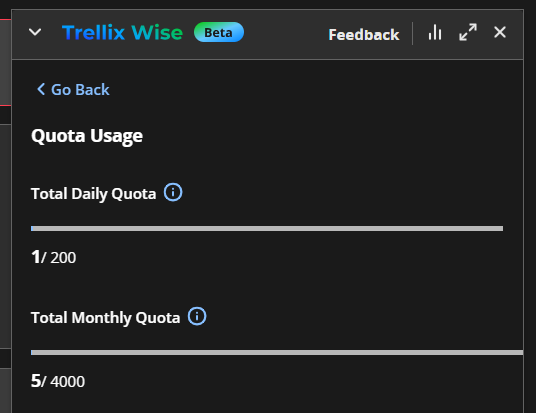
You can click the Statistics button beside the Feedback button to view daily and monthly allowed quota of queries used and remaining.