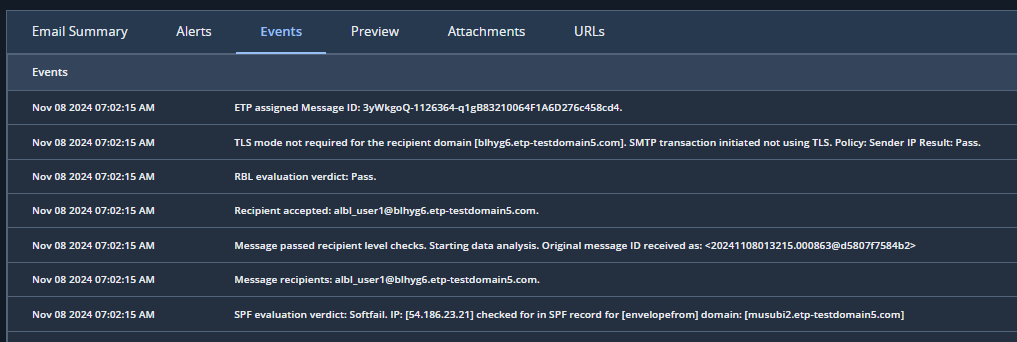
Events
The Events tab shows a log of how the system processed the malicious email and its quarantine status. If the email was released from the quarantine, it also displays the justification, email server and port where it was released.
Preview
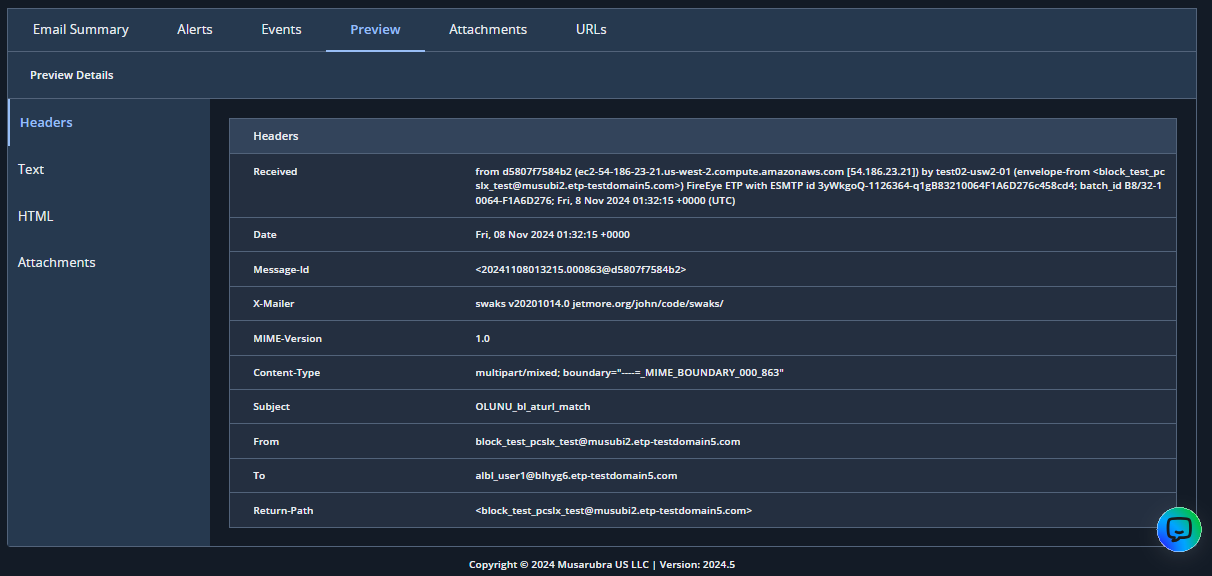
The preview section provides a preview of the email. Four tabs display the following details:
Headers—Displays the headers from the raw email.
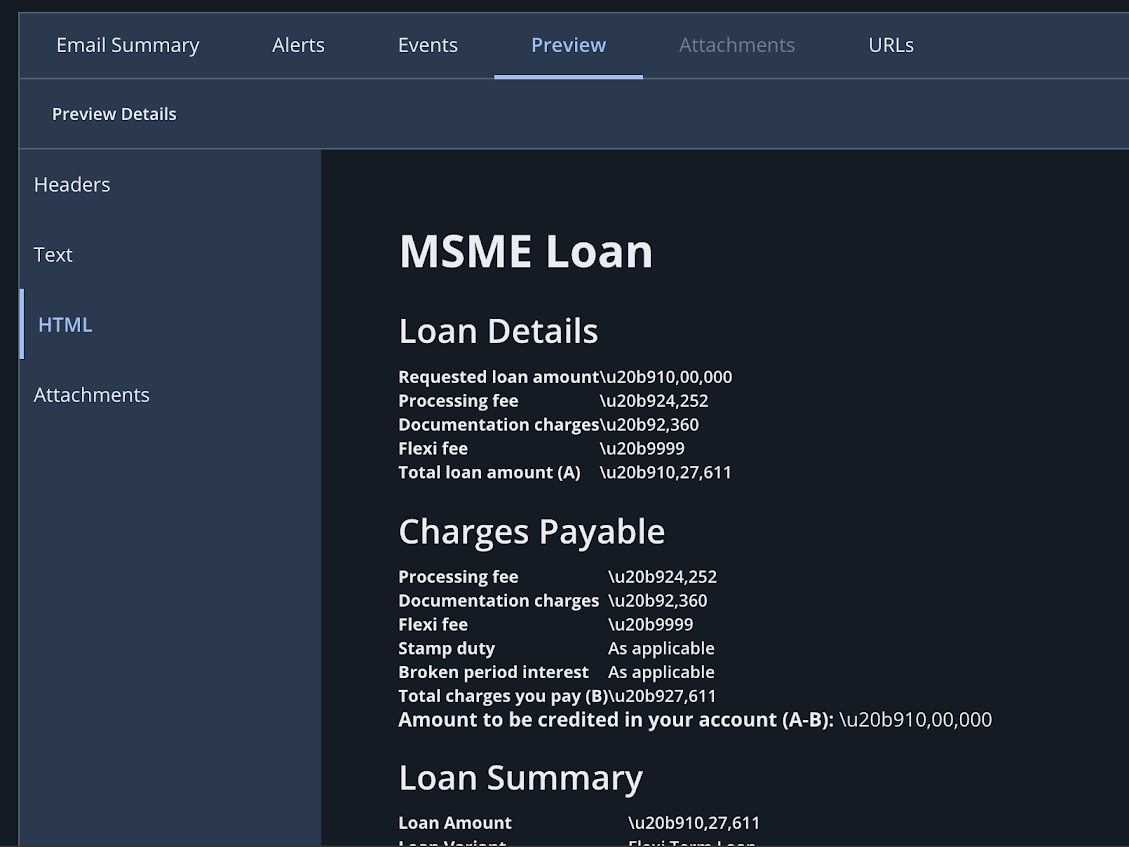
HTML—Displays the HTML if there is an HTML version of the original email. All pictures are removed and links are disabled.
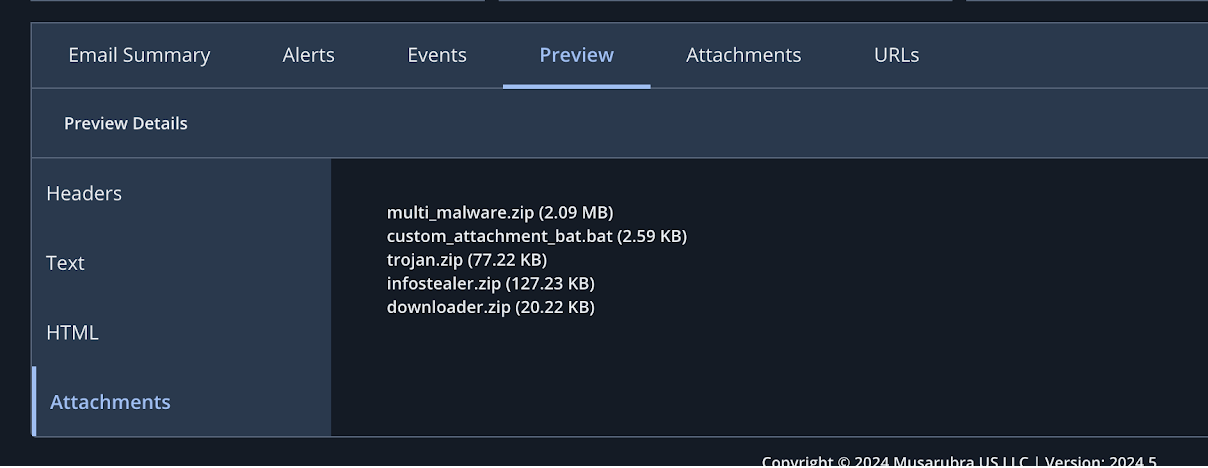
Attachments—Shows the name and size of files attached to the email as "attachment" or "inline", if there are any.
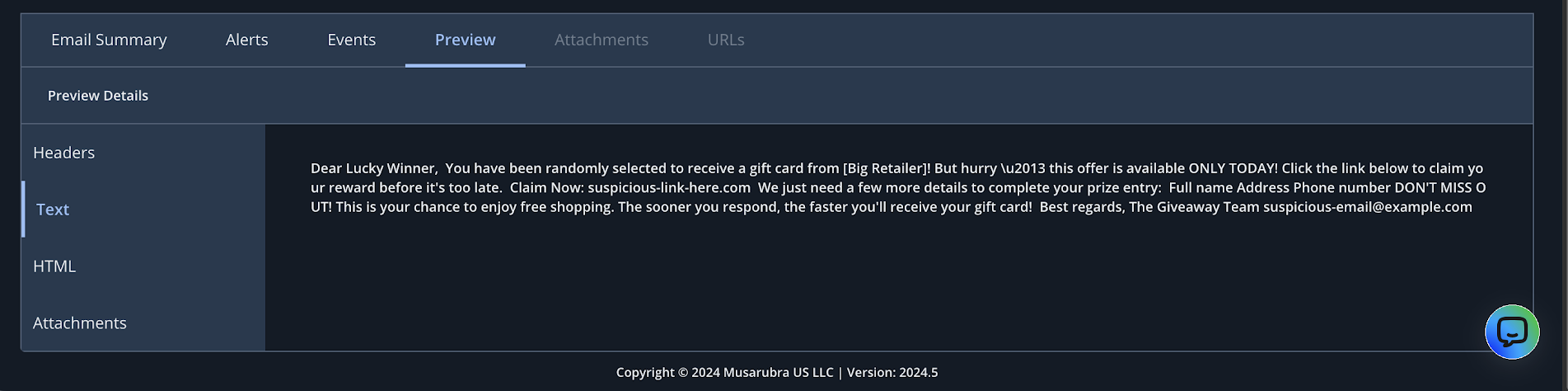
Text—Shows the text of the email in plain-text format.
Administrators can view the message preview activity of other admins in the View Activity page under the Administrators tab.
Attachments
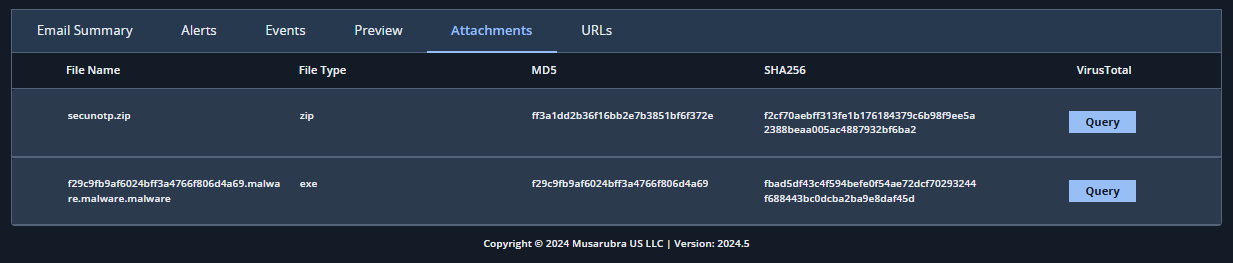
The attachments section shows attachment filenames, file types, and their MD5/SHA256 hashes.
From the attachments section, you can query VirusTotal and analyze the results. For more information, see VirusTotal and URLScanIO integration.
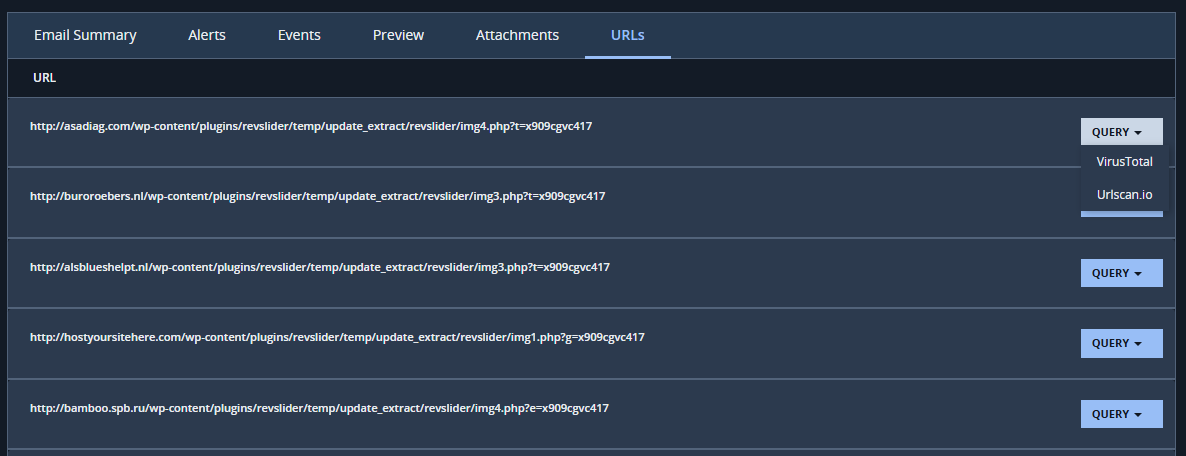
URLs
The URLs section displays the URLs found in the email.
From the URLs section, you can query VirusTotal or URLScanIO and analyze the results. For more information, see VirusTotal and URLScanIO integration.