You can view the malicious attachments in the Alerts tab grouped by recipient.
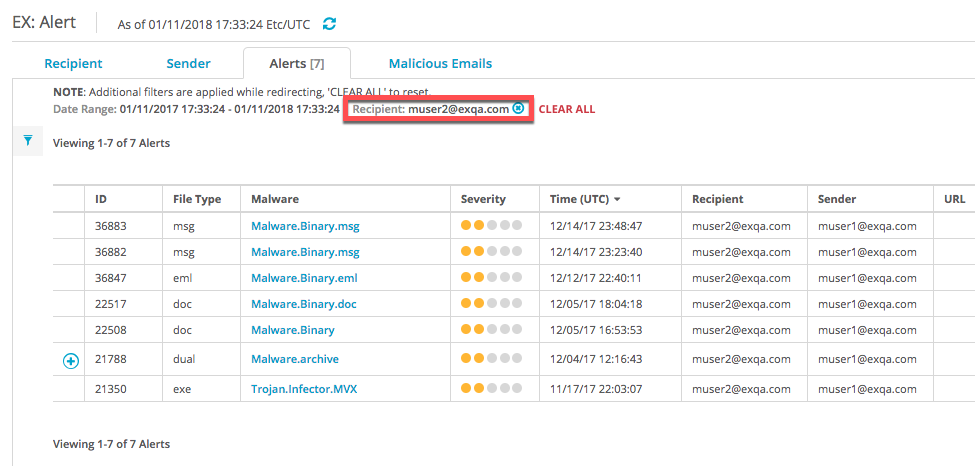
To view the malicious attachment details for a recipient:
In the Web UI, select eAlerts > Recipient.
In the Attachment column, click the number link. This displays the alerts for that recipient in the Alerts tab.
To show the details for an alert, click the ID number in the ID column or the type name in the File Type column.