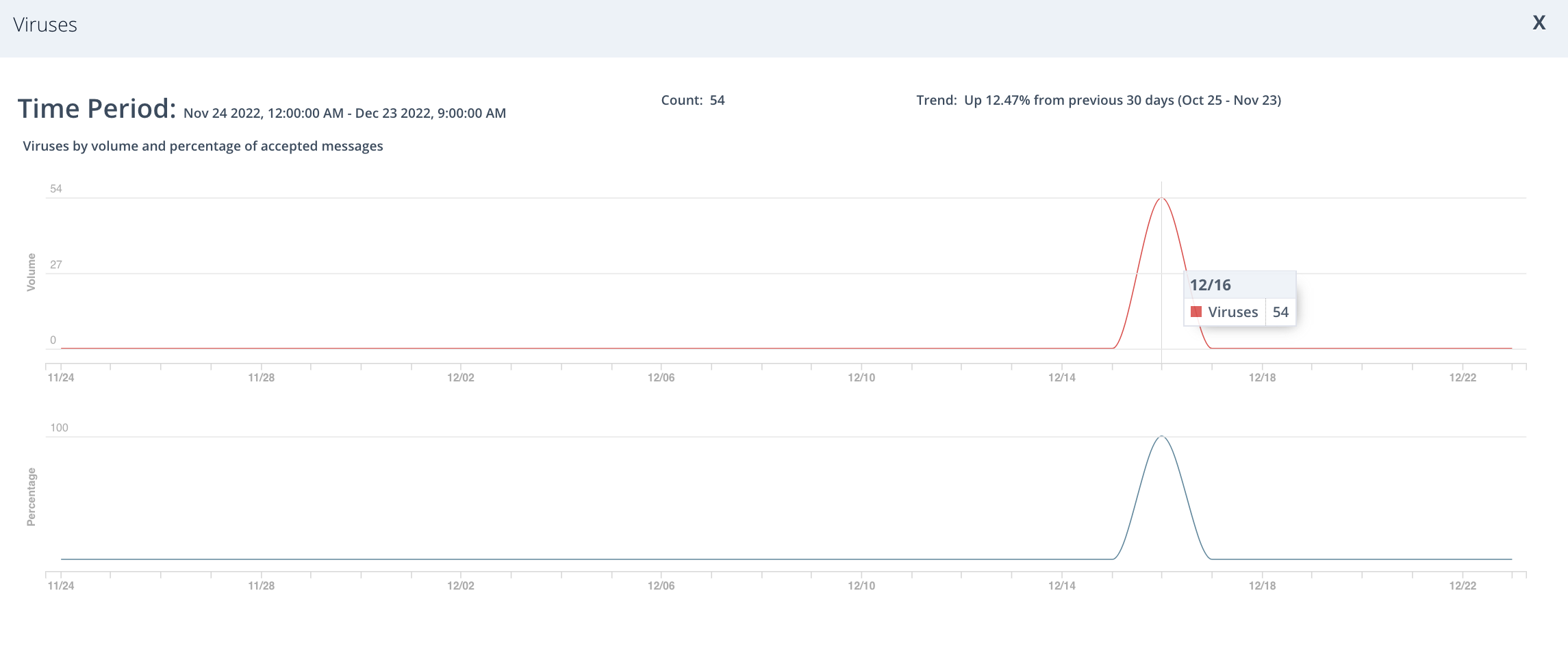
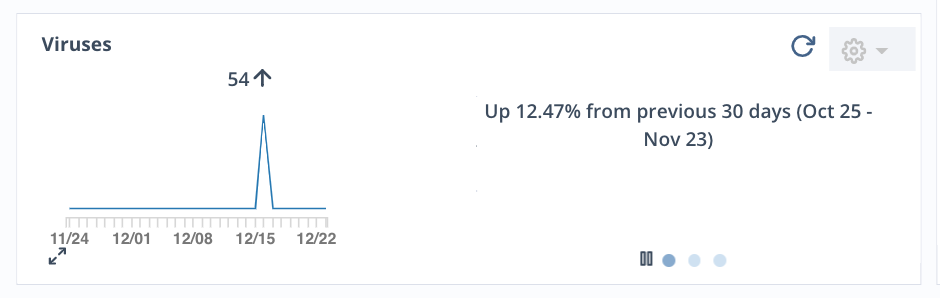
You can view virus statistics in either Inbound or Outbound mode. The dashboard's Viruses widget cycles through a display of:
Trend information
Top Recipients
Top Sender IP addresses (for SMTP domains only)
Move your cursor over any place in the graph to view the number of viruses identified during a specific point in time.
Click the pause button to stop the Viruses widget from changing between displays.
Note
Virus statistics are available for SMTP, MS365 Native with Hygiene, and Google Workspace Native with Hygiene domains only.
Expanded view
Click the  icon in the lower left corner of the widget to view:
Distribution of viruses received across time
Distribution of percentage of viruses against accepted messages during that period
Absolute count of viruses received
Trend information