In the Host Remediation home page, in the Search field, enter one of the following parameters for the endpoint that you want to add:
Agent ID
IP Address
Hostname
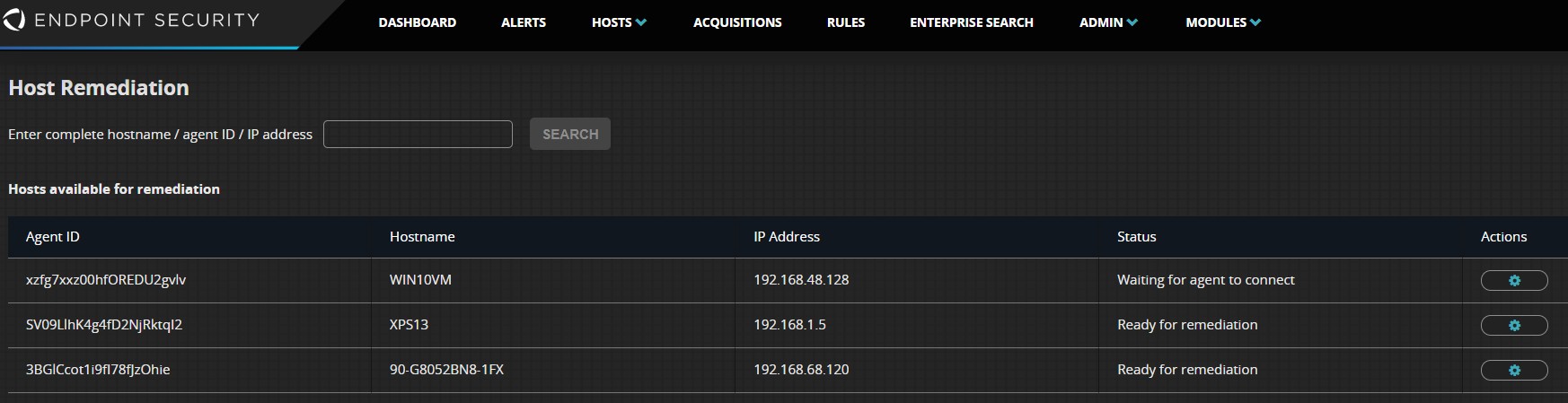
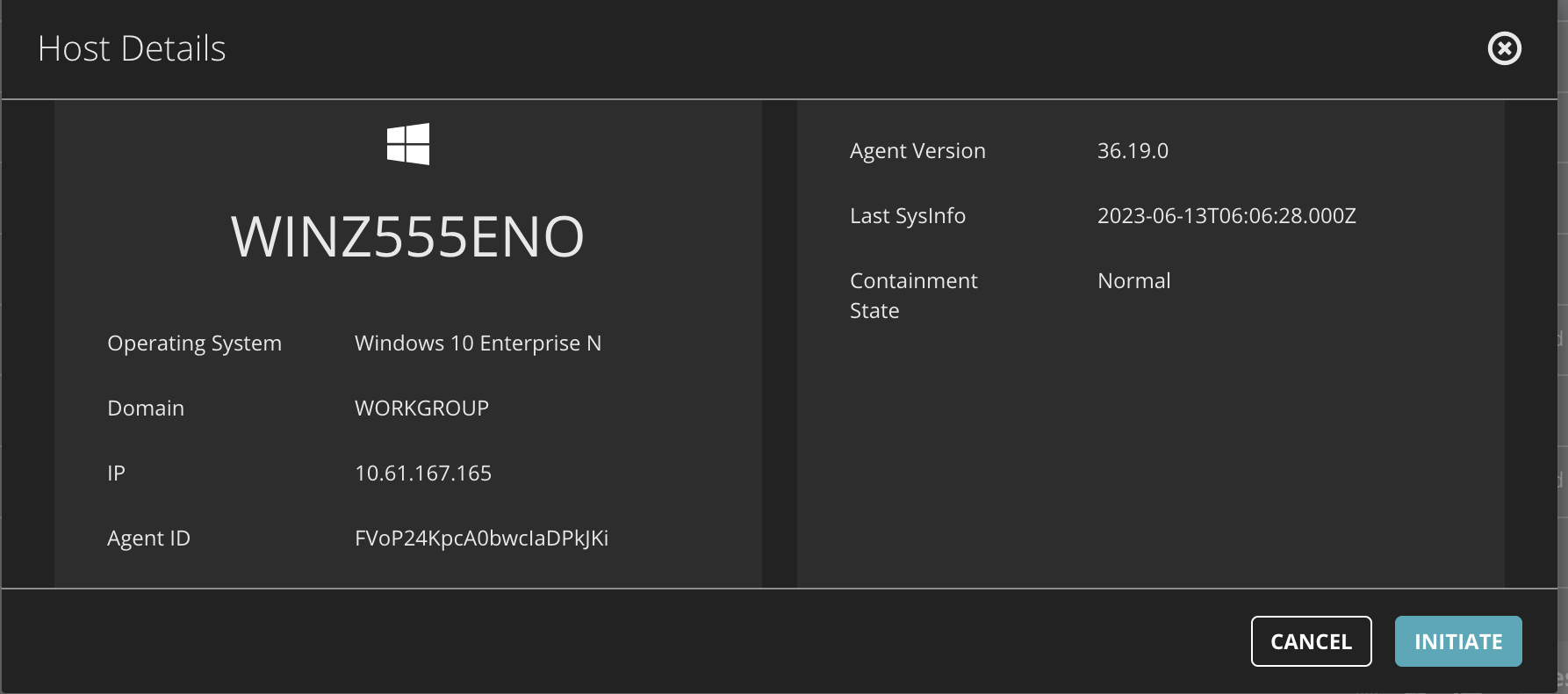
Click Search. The host details are displayed.
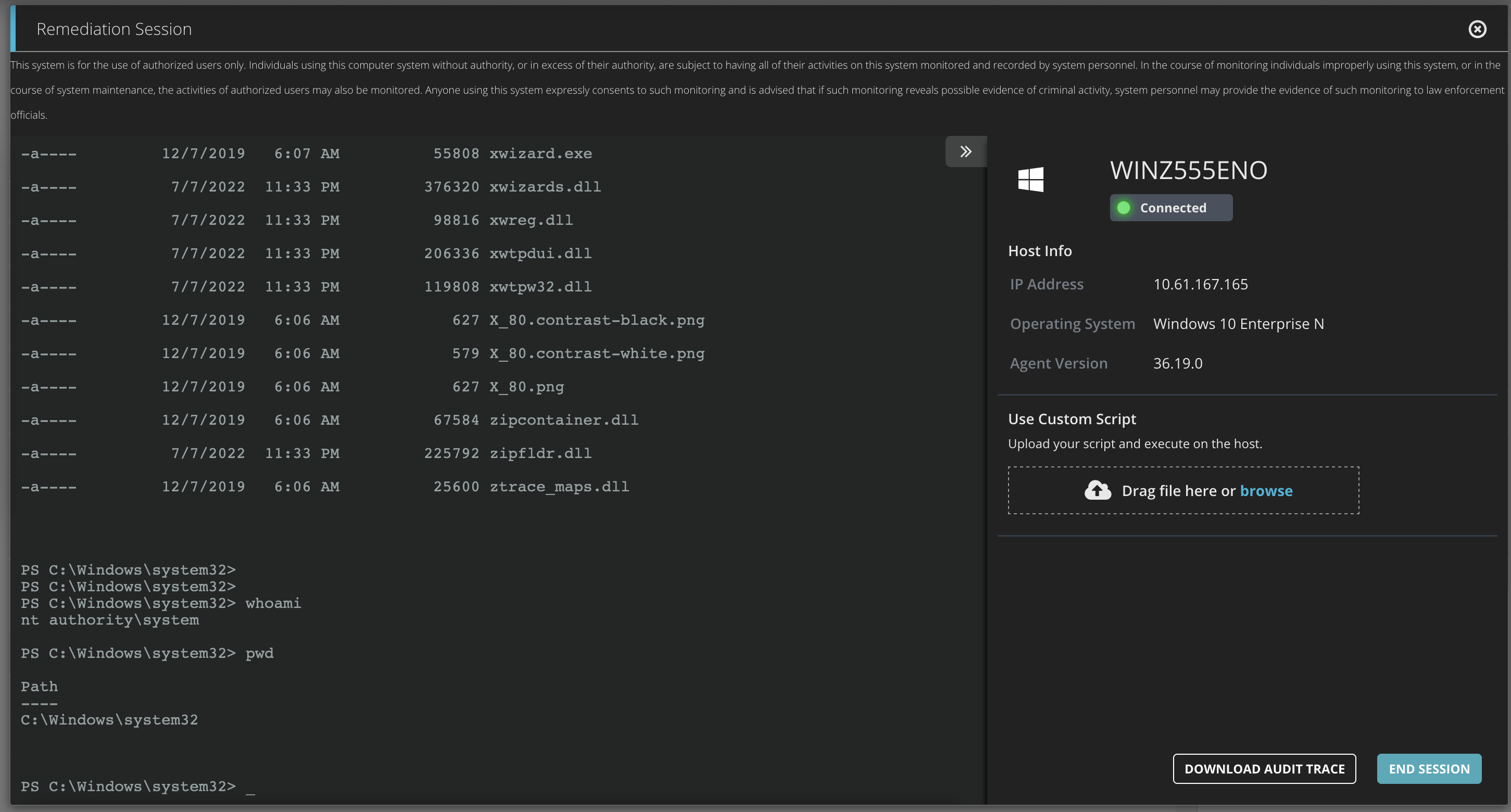
Click Initiate to add the endpoint for remediation. When the endpoint is connected, a PowerShell terminal window opens in the Endpoint Security (HX) Web UI.
Note
The remote connection time depends on the Fast Poll setting for the agent in the policy.
Use the terminal window to execute native operating system commands or execute batch scripts on the endpoint. Or use the "Drag file here or browse" option to upload a custom batch script or PowerShell format.
Note
Interactive commands and scripts that require user input for execution are not supported, for example,
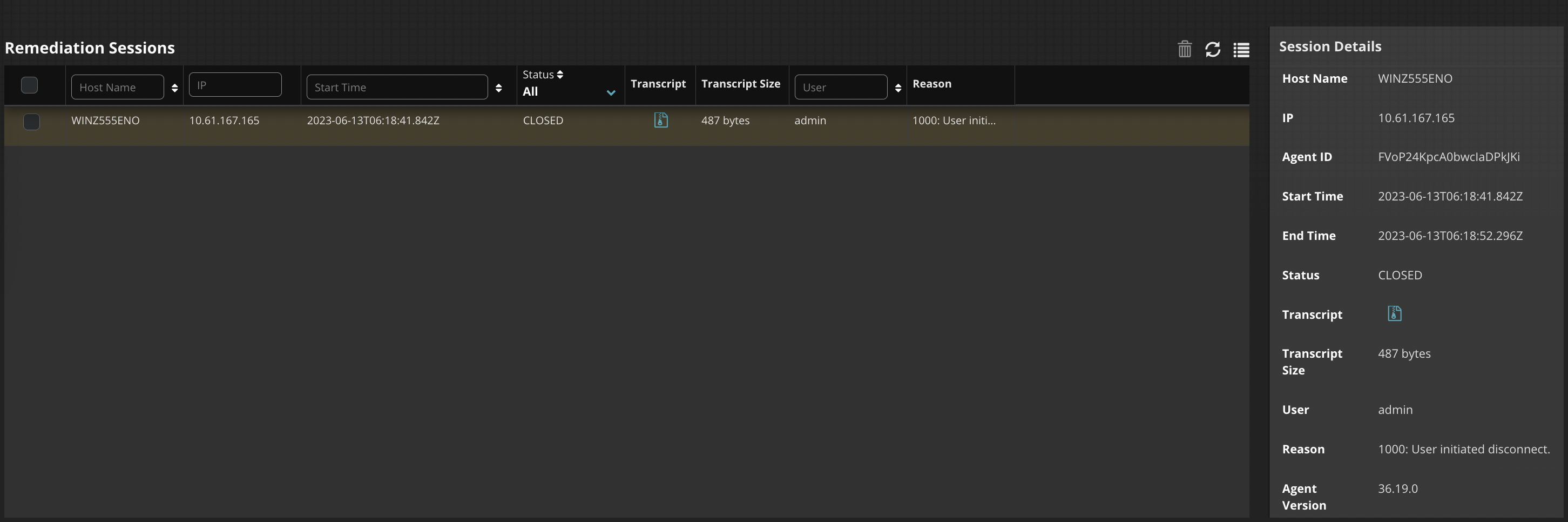
vi/vimandedit.When the Host Remediation module session is complete, click the Transcript icon to download the transcript logs. The transcript includes executed commands, their output, session initiation, the end time, and the user who initiated the remote session.
Note
You can only remediate one host at a time and a maximum of 10 hosts can be added to the Host Remediation list.
From the time the host is added for remediation, there is a maximum timeout of 24 hours. When this timeout is reached, the host state changes to "Time to initiate remediation expired". For more information, see Viewing the Host Remediation status.