To delete a job:
Click the Delete button in the control area.
A list of currently saved jobs is displayed.
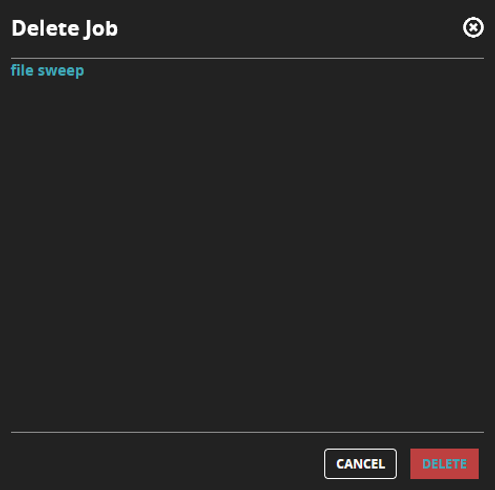
Select the job that you want to delete and then click Delete.
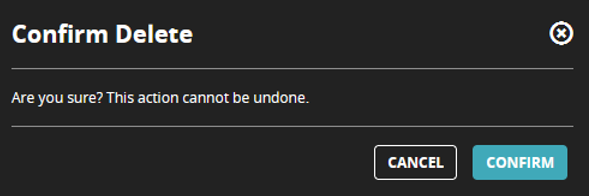
When prompted, click Confirm to delete the job.
You can also remove a job by selecting it in the grid view and clicking Remove.