The new docs.trellix.com offers a modernized UI and AI-powered features like conversational searches. Content is currently available only in English. Other languages will be available in mid-October 2026. We hope you enjoy the new experience.

Running jobs

Prev Next

To run a job:

  1. Click the Run button in the control area.

    The Run Job dialog box is displayed.
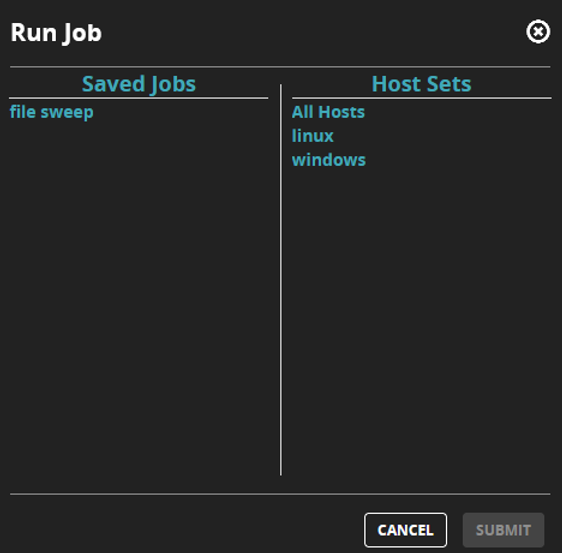
    Running_job1.png
  2. Select a saved job and a host set. Click Submit.
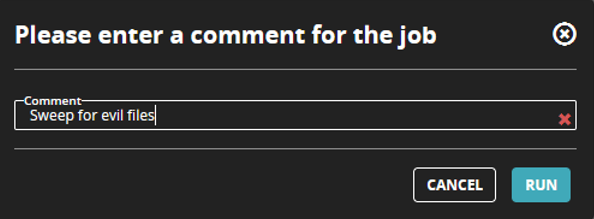
    Running_job2.png
  3. Enter a comment that describes the job and then click Run to start the job.

    You can also run a saved job by selecting it in the grid view and clicking Start.