To import a job:
To import a previously configured job, click Import in the control area.
The Import Job dialog box is displayed.
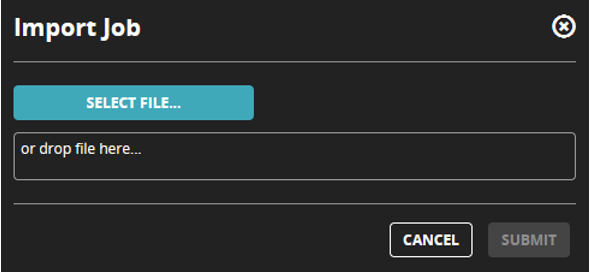
To import the job file, drag and drop the file or select the file and then click Submit.
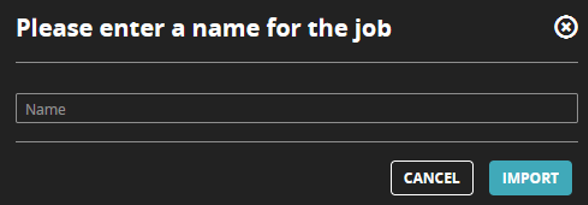
Enter a name for the job and then click Import to import the job. Ensure that you do not use already existing job names while you are entering a name for the job.
Note
The file upload limit is 50 MBs from the UI and 200 MBs from the APIs.