The Host page allows you to view the full population of monitored hosts on your network and retrieve details about each host. Select Hosts at the top of the Endpoint Security (HX) Web UI to access the Host page.
Use the Host page to:
Sort hosts based on the host with the newest alerts, the most alerts, or the most alert types.
Search the hosts by hostname, domain, or IP address using the search box at the top of the page.
Filter the list of hosts. Use the Filter By section of the page to filter the hosts by alert type, host set, or containment state.
Use the download button (
 to download the list of hosts to a comma-separated value (CSV) file.
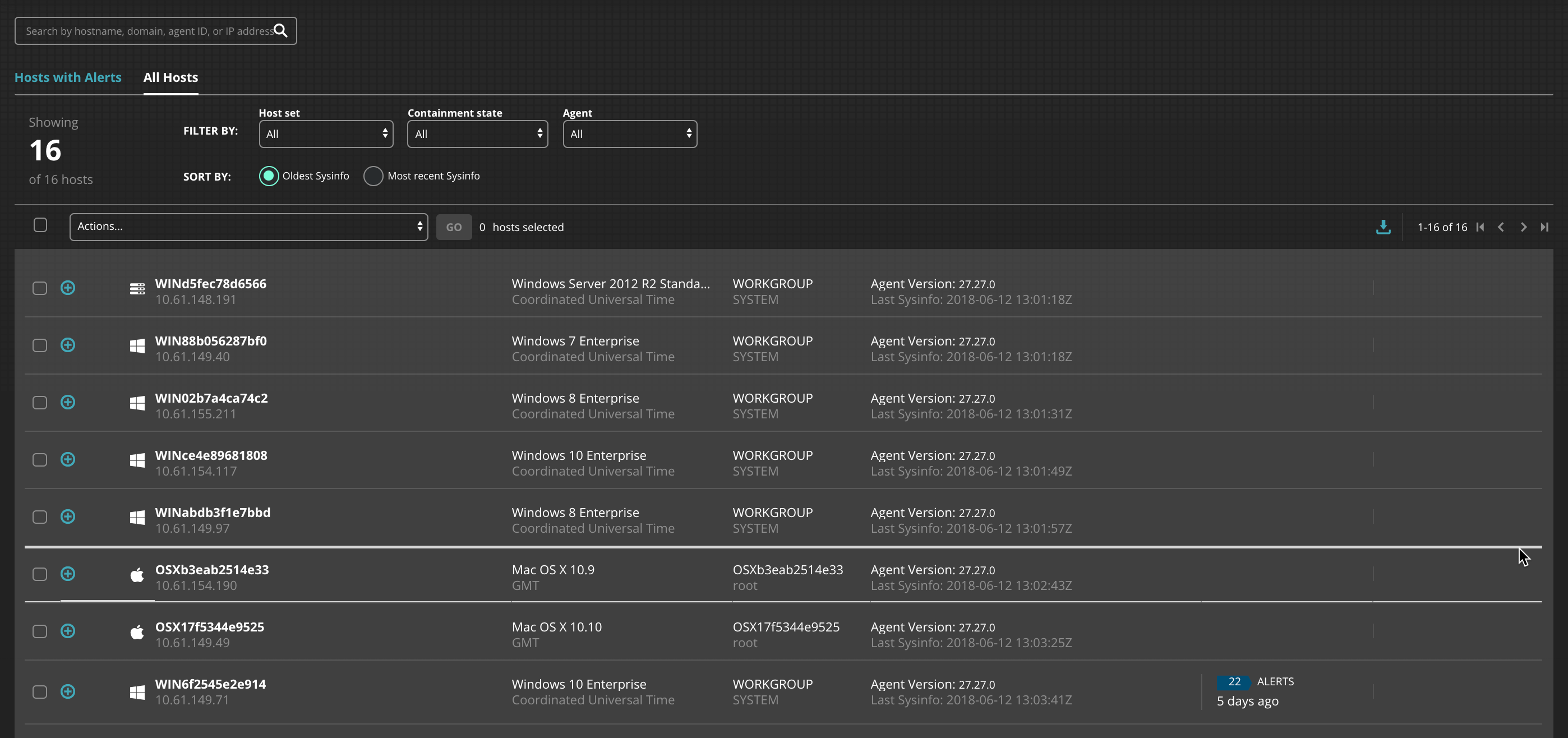
You can use the Hosts page as the central point of a host-based workflow, selecting a host endpoint to quickly drill down and obtain more information about its alerts and any obtained acquisition data.